

AnswersAi
Education AIUpdated October 26, 2026
AI homework helper that solves questions from photos or screenshots with step-by-step working, plus lecture notes, flashcards and quizzes.
We may earn a commission when you sign up through our links. It does not affect our reviews.
What is AnswersAi?
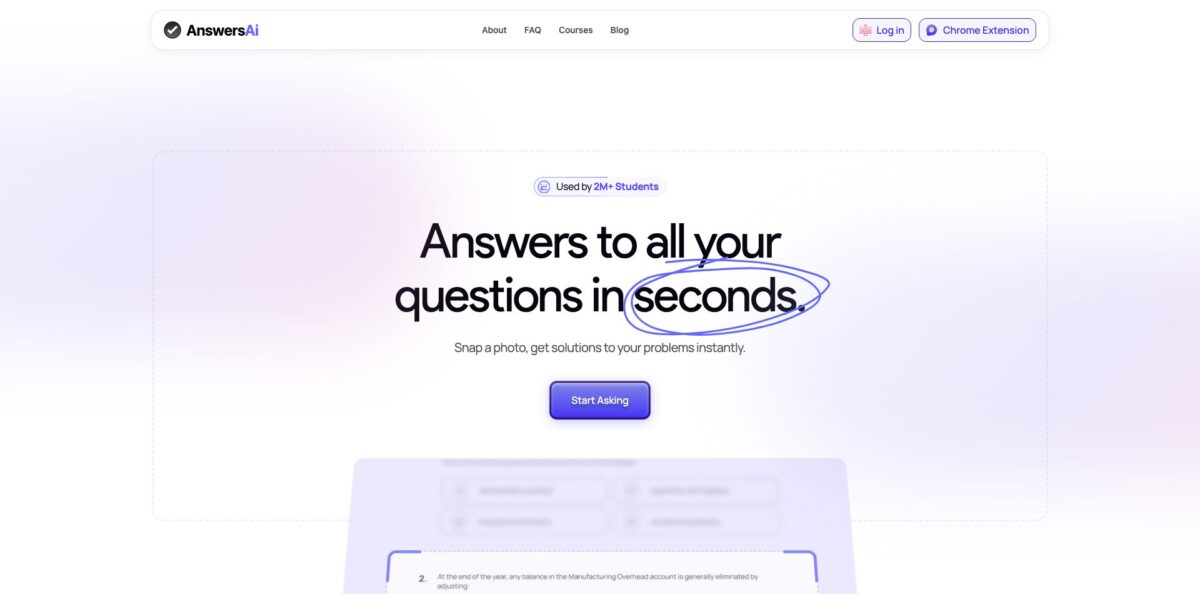
AnswersAi is a snap-and-solve study app from AnswersAI, Corp, a San Francisco company started by student builders from UC Berkeley and Los Angeles. You point your phone camera at a question, or take a screenshot with the Chrome extension, and a language model returns the answer with the working laid out step by step and a short “why” on each line. Around that core sit Lecture Mode for recording classes, document and YouTube uploads, adaptive flashcards, topic-scored quizzes and a notes-to-podcast feature. The company says 2M+ students use it and 9.2M+ questions have been answered. The weak spots are uneven accuracy on multiple-choice quizzes, a free plan capped at five answers a day, and a long trail of App Store complaints about billing and cancellation. Pick it if you want a cheap yearly study companion for checking your own working across subjects.
How to start using AnswersAi?
Install the iPhone or Android app, add the Chrome extension from the Chrome Web Store, or open answersai.com in a browser. There is no password: you sign in with a verification code sent to your email or phone number, so keep that inbox or number handy. The free plan needs no card and gives you five answers a day that reset at midnight, which is enough to see whether the explanations match how your teacher works.
Your first real job is usually a worksheet problem. On mobile, frame one question in the camera and snap it; on a laptop, click the AnswersAi icon in the Chrome toolbar and capture the part of the page that holds the question. If the icon is missing, open the puzzle-piece menu in Chrome and pin ANSWERSAI. The result shows the final answer plus every step, and you can ask follow-up questions on any line you did not follow.
The study side lives behind Pro. Hit record when class starts and Lecture Mode writes up up to 90 minutes of audio afterward. You can also upload PDFs, Word files or slides of up to 100 pages, or paste up to five YouTube lectures and articles at once. From one upload you get a short summary, detailed notes, flashcards you rate Again, Hard, Good or Easy, a quiz scored by topic, and an optional two-voice podcast version of your notes.
Before you trust an answer, compare it with your textbook or class notes, especially on multiple-choice and business or statistics questions, where users report the most misses. If you subscribe, note that cancellation runs through Settings, then Subscription, on the web, while App Store purchases are managed in your Apple account settings. Refunds are not offered under normal circumstances, so decide before the renewal date.
Who is it for?
High school students
Homework in algebra, chemistry or history piles up at night when nobody at home can explain the method. A photo gets you the answer and each step, and follow-up questions cover the line that lost you. You go into the test knowing the procedure rather than a copied result.
College students in lecture-heavy courses
Ninety-minute lectures move faster than you can type. Lecture Mode records the class and turns it into notes, then into flashcards and a topic-scored quiz. Revision starts from a structured summary instead of a half-empty notebook.
Students who study on the move
Long commutes are dead time for most revision methods. The notes-to-podcast feature turns your material into a two-voice episode with a length and focus you choose. You can review a chapter on the bus with your eyes closed.
Study groups
Sharing notes over chat gets messy by midterms. Pro lets you share folders with classmates as Owner, Editor or Viewer, or create a public link for people without an account. Everyone works from the same set of notes and cards.
Multilingual learners
Course material in a second language slows you down. Pro works in 80+ languages and can take a question in one language and return notes in another, though the FAQ says it performs best in English. You get explanations in the language you think in.
Teaching assistants and educators
Grading and repeat questions eat hours every week. The Institutions offering, ClassMate, pitches AI grading, worksheet and quiz generation, and student progress tracking. It is aimed at schools rather than individual teachers, so expect a sales conversation.
AnswersAi pricing
AnswersAi runs a simple freemium model: a limited free tier and one paid plan, Pro. The web pricing page pushes the yearly option hard, and the monthly price is much higher. Prices differ between the website and the App Store, where Apple handles billing and auto-renewal. The FAQ states that subscriptions are not refunded under normal circumstances, although you can cancel at any time to stop the next charge.
5 answers a day, reset at midnight, with full working shown. You can save 3 study materials and get summaries, notes and a starter set of flashcards. The free plan works in English only, and no card is required.
Unlimited answers and follow-ups, Lecture Mode up to 90 minutes, uploads of PDFs, Word files and slides up to 100 pages, YouTube and article imports up to 5 at a time, adaptive flashcards, topic-scored quizzes, notes-to-podcast, folder sharing and 80+ languages on web, iPhone, Android and Chrome.
The pricing page compares the $39.99 yearly charge with $155.88 spread over twelve payments, which matches that figure, so confirm the amount at checkout.
The price you see depends on which offer the app shows you.
Custom. ClassMate for schools has no public pricing; you contact the team through the Institutions page.
AnswersAi key features
Snap to solve: You photograph one question on your phone or capture it with the Chrome extension, and the model returns the answer plus every step with a “why” on each. Follow-up questions let you drill into any part of the solution.
Snapshot Chrome extension: The extension sits in the toolbar and works on any website, so you capture questions from course pages or PDFs without retyping. It only supports Google Chrome and requests broad permissions, including access to all websites and cookies. Check whether your school allows extensions like this before installing it on a shared or managed device.
Lecture Mode: You record a class and the app writes it up afterward, pulling out the key points even in a noisy room, according to the company. Pro covers recordings up to 90 minutes. A missed or rushed lecture becomes a set of notes you can turn straight into flashcards.
Document and link imports: Upload PDFs, Word files or slides of up to 100 pages, including scanned pages, or paste up to five YouTube lectures and articles at once. The app merges them into one set of notes instead of five separate ones. You pick the chapter that matters instead of rereading the whole textbook.
Adaptive flashcards and topic quizzes: Flashcards use spaced repetition, so cards you rate Again come back tomorrow and cards you rate Easy return weeks later. Quizzes of ten questions break your score down by topic. You revise the weak topic, not the whole unit.
Notes as a podcast: Any set of notes can become a two-voice audio episode where you choose the voices, length and focus
It is a useful format for commutes or for reviewing material away from a screen.
Sharing and languages: Pro folders can be shared with classmates as Owner, Editor or Viewer, or opened through a public link. The tools support 80+ languages on Pro, including asking in one language and receiving notes in another. Study groups can keep one shared library for a whole course.
AnswersAi Pros & Cons
Pros
The yearly Pro plan is one of the cheapest in the homework helper category at $39.99, and it bundles much more than photo solving: Lecture Mode, 100-page document uploads, YouTube imports, spaced-repetition flashcards, topic-scored quizzes and a podcast mode. Answers show the full working with an explanation on each step, and follow-up questions keep the conversation going until a method makes sense. Coverage is broad, from math and science to literature and social studies, and the same account works on iPhone, Android, the web and Chrome. Positive App Store reviewers describe it as a quick way to check answers and a stress reliever during exams. Use it as a second opinion on work you have already attempted, and lean on the flashcards and quizzes for actual exam preparation.
Cons
Accuracy is the recurring complaint. App Store and Chrome Web Store reviewers report wrong answers on statistics, accounting, business law and multiple-choice quizzes, and some say the scanner misreads questions or returns different answers to the same one. Billing is the other pain point: many recent one-star reviews describe trouble cancelling, being charged after cancelling, or paying without getting Pro access, and the FAQ says refunds are not given under normal circumstances. The free plan stops at five answers a day, the extension works only in Chrome, and the app collects usage data that may be used for tracking according to its App Store privacy label. Pay with a method you can monitor and screenshot your cancellation confirmation.
Use AnswersAi if you want…
- Solve homework questions from a quick phone photo.
- See step-by-step working with an explanation per step.
- Capture on-screen questions with a Chrome extension.
- Turn recorded lectures into structured study notes.
- Build spaced-repetition flashcards from your own notes.
- Take quizzes that show which topics need revision.
- Listen to your notes as a short podcast.
- Share study folders with classmates in one place.
AnswersAi alternatives



AnswersAi Reviews
App Store reviewers who like it say it is a fast, easy way to check answers and save time on homework, with one university student crediting it with a big jump in their GPA.
Several App Store users who relied on it during online quizzes report poor results on statistics, business and phlebotomy questions and say they stopped trusting it for graded work.
A large share of recent one-star App Store reviews focus on billing: subscriptions that were hard to cancel, charges after cancelling, and refund requests that support turned down.
Recent Chrome Web Store reviews of the extension call it slow and inconsistent, estimate it is wrong a sizable share of the time, and mention weak handling of accounting questions.
Some users accept the paywall for unlimited answers but complain that the free allowance runs out after only a handful of questions.
FAQ
Is AnswersAi free?
There is a free plan with 5 answers a day, reset at midnight, plus 3 saved study materials, and it never asks for a card. Unlimited answers, Lecture Mode, uploads and other study tools require Pro.
How much does AnswersAi Pro cost?
On the website, Pro costs $39.99 billed yearly, about $3.33 a month, and the FAQ lists monthly billing at $12.99. App Store prices in the US range from $12.99 to $14.99 a month and $39.99 to $119.99 a year depending on the offer shown.
Can I cancel and get a refund?
You can cancel at any time from Settings, then Subscription, on the web, or through your Apple account for App Store purchases, and you keep Pro until the paid period ends. The FAQ states that refunds are not provided under normal circumstances, though you can email support with a request.
Is using AnswersAi considered cheating?
That depends on how you use it and on your school’s rules. AnswersAi says it prohibits academic dishonesty and may cooperate with institutions or suspend accounts if the service is misused, while instructors on the Canvas community forum have discussed blocking the extension during online quizzes. Check your course policy before using it on graded work.
Which devices and browsers does it support?
AnswersAi runs on iPhone and iPad (iOS 17 or later), Android, the web, and as a Chrome extension. The extension is built for Google Chrome only, so other browser users should rely on the mobile app or website.
What languages does AnswersAi support?
Pro works in 80+ languages and can return notes in a different language from your question, though the FAQ says results are best in English. The free plan is English only.
How long can Lecture Mode recordings be?
On Pro, Lecture Mode handles class recordings of up to 90 minutes and turns them into written notes. You can then generate summaries, flashcards, quizzes or a podcast from the same material.
Does AnswersAi have tools for teachers?
Yes, the Institutions offering called ClassMate covers AI grading, worksheet and quiz generation, distribution to students and progress tracking. Pricing is not public, so schools need to contact the team.
Similar tools
 EducatoAI exam prep platform that builds a study plan around your test date, with practice questions, mock exams and a tutor that
 TutorGPTMulti-model AI study workspace with step-by-step homework solvers, chat with GPT, Claude and Gemini, plus slide, image and voice generators.
 UplupAI quiz and form builder that turns a prompt, PDF or URL into scored quizzes, personality tests and lead-capture funnels with CRM