

Claude AI
AI AssistantsUpdated October 5, 2026
Anthropic's Claude AI is a secure assistant for advanced coding, technical writing, and precise logical reasoning.
We may earn a commission when you sign up through our links. It does not affect our reviews.
What is Claude AI?
Claude is a text-based AI built by Anthropic that prioritizes logical precision and safety over pure creative flair. It functions as a conversational reasoning engine, excelling at refactoring complex code blocks or drafting technical documentation without the common “preachy” tone found in other models. I noticed it handles massive context windows better than most, meaning you can drop a 100-page PDF into the chat and ask for specific data points without the model losing the thread halfway through. It trades some of the “all-in-one” features like native image generation for a more reliable, human-like writing style and strict adherence to your formatting rules. In practice, that saves you a lot of manual fact-checking when you summarize dry, technical material. While it occasionally refuses tasks due to overly cautious safety guardrails, it remains the most dependable choice for deep analytical work and long-form writing. Use it for heavy-duty text analysis, but switch to other tools if you need instant AI-generated art.
How to start using Claude AI?
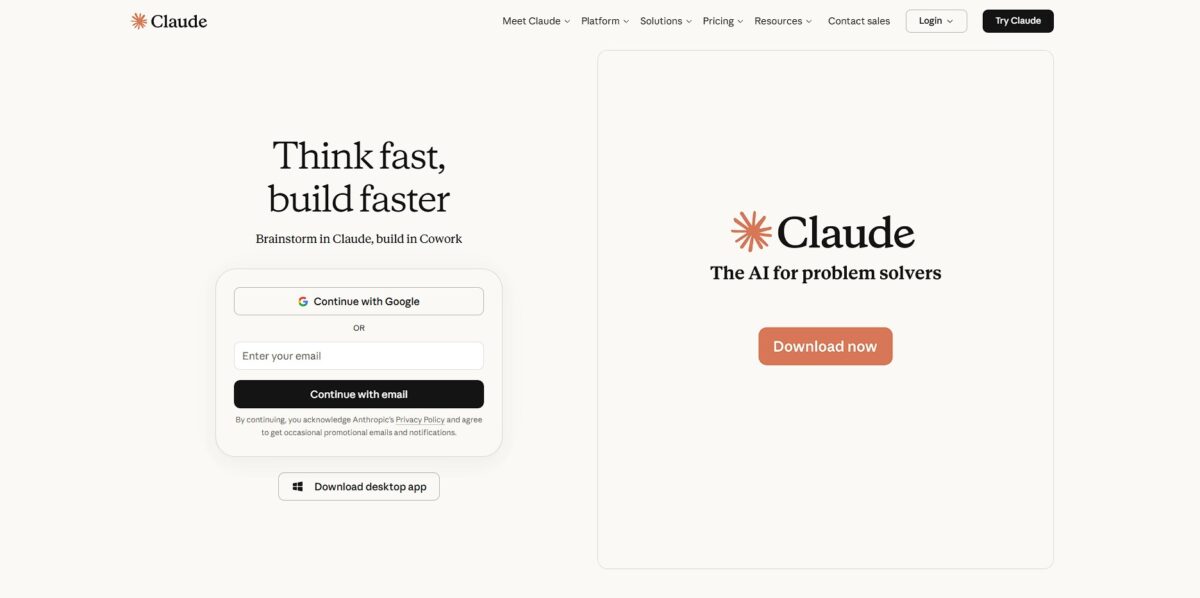
Go to claude.ai or grab the app from the iOS or Android stores. You can poke around without an account, but you will hit a wall quickly since it won’t save your conversation history. For a real test drive, sign up using a Google or email account to keep your different project threads separated. That way you can build up a coherent context for one task over several days instead of starting from zero every time.
Once you land on the dashboard, look for the text box. You can drop in a PDF of a legal contract or a messy Python script and ask for a plain-English summary or a bug fix. The interface feels cleaner than most chatbots, especially the “Artifacts” side window that renders code or documents in real-time. This saves you from constantly scrolling back and forth between a long chat and the code you are actually trying to read.
Try the “Project” feature if you are on a paid plan. You can upload your brand style guide or specific documentation once, and Claude will use it as a reference for every new chat in that project. This cuts down on the repetitive task of explaining your specific rules or tone every single morning. The bot ends up acting like a specialized teammate rather than a generic assistant that forgets who you are.
If you are a developer, look into the “Claude Code” command-line interface. It runs directly in your terminal, allowing the model to read your local files and execute tests while you stay in your flow. It is a bit of a token hog, so watch your usage limits during peak hours. If the logic starts to loop or get confused, starting a fresh thread usually resets its “thinking” path for better accuracy.
Who is it for?
Solo developers untangling legacy code
Use it to map out dependencies or write characterization tests for that 500-line “god function” nobody dares touch. This prevents you from breaking silent production logic during a refactor. The payoff: high-risk code surgery becomes a predictable, test-backed process.
Technical writers managing complex API specs
Feed it your raw schema to generate human-readable guides that actually match the code’s behavior. It catches when your naming conventions drift from the official style guide. The result is a consistent, helpful voice across thousands of pages without manual auditing.
Product Managers drowning in meeting transcripts
It extracts specific technical risks and resource blockers from a messy 40-minute sprint sync. While it misses some business context, it stops action items from falling through the cracks. You spend less time re-listening to calls and more time deciding which features to cut.
Creative writers building consistent worlds
Upload your “lore bible” to ensure a character’s eye color or back story doesn’t change three chapters later. It’s better at tracking internal logic than generating wild, hallucinatory plot twists. So your long-form drafts stay coherent even as the word count grows.
Privacy-conscious researchers
Use the 200k context window to analyze dense PDFs without sending data to a broader training pool. It handles long-form document synthesis better than short-lived chat models. Why this matters: You can cross-reference multiple massive sources without losing the thread of the conversation.
Claude AI pricing
Pricing models for Claude are split by usage volume and model complexity, moving from a casual sandbox to high-throughput production environments. You essentially pay for the “brain” size and the frequency of your requests, meaning your costs only climb when you scale from local tests to automated systems.
Free: $0/month. This grants access to the standard Sonnet model via the web or mobile app. Daily message limits fluctuate based on server demand, which in my testing often tightened during workday peaks in the US. This works for quick code snippets or drafting emails but fails for sustained research. Still, you can test the logic without a credit card.
Pro: $20/month. Paying customers get 5x more usage than free users and priority access to the heavyweight Opus model. You also get “Projects,” which keeps context (like your specific codebase or style guides) consistent across multiple chats. It prevents the model from forgetting your project’s unique constraints after three questions, so you are not re-pasting documentation every ten minutes.
Team: $25/user/month (minimum 5 seats). This tier adds administrative controls and a larger usage quota for groups. Data shared here is excluded from model training by default, addressing common corporate security hurdles. The catch for small startups is a higher monthly commitment, but proprietary data stays within your organizational perimeter.
API (Pay-As-You-Go): Prices vary by model (Haiku, Sonnet, Opus). Haiku is the budget choice for high-speed, simple tasks like data extraction. Opus costs significantly more but handles nuanced reasoning that cheaper models fail. Developers pay per 1 million tokens (chunks of text), making it easy to track the cost of a specific feature. In other words, you only pay for the exact computation your app consumes.
Stick to the Pro plan if you need the 200k context window for long documents; use the API for any task that requires repetitive automation.
Claude AI key features
Huge 200,000-token context window
You can drop entire documentation folders or complex codebases into a single session without the AI losing its place. This matters because you skip the manual work of breaking projects into tiny, digestible chunks for the model.
Live code execution in a sandbox
Claude writes and runs JavaScript or Python snippets to verify logic or handle data transformations on the fly. I noticed it often catches its own syntax errors before showing you the final result. Testing its own output cuts down the “hallucinated code” cycle.
Native Artifacts UI
Instead of scrolling through miles of raw code, you view rendered React components or websites in a side-by-side window. It replaces the “copy-paste-refresh” workflow with an immediate visual feedback loop. Iterating on frontend UI layouts takes seconds rather than minutes.
Advanced vision analysis
Upload a screenshot of a bug or a messy whiteboard sketch and get back a structured plan or code. It handles messy handwriting and low-res UI captures better than most text-only models. That closes the gap between a physical brainstorm and a digital ticket.
Fine-tuned instruction adherence
The model follows specific formatting rules and tone constraints without needing constant reminders in every prompt. It works well for technical writing but can sometimes feel overly cautious with its refusals.
Claude AI Pros & Cons
Pros
Claude handles deep reasoning tasks without the jittery, over-eager personality of other chatbots. It excels at ingesting massive codebases or 100-page technical specs through its massive context window. This lets you find patterns across scattered documentation instead of manually summarizing bits of info. It writes functional code that feels more human and follows stylistic patterns from your existing files, which means less time fixing weird AI syntax choices.
Cons
The safety filters can be intrusive. Sometimes it refuses to analyze a perfectly safe block of code or text because of a false positive. Usage limits on the Pro plan can feel tight if you are feeding it large project files frequently. I’ve seen it hallucinate file details or silently ignore rules in your CLAUDE.md file during long sessions. This trade-off means you must audit every structural change it suggests for subtle logical drift. That matters because blind trust in its output will eventually break your build.
Use Claude AI if you want…
- Deep reasoning for complex architectural decisions.
- Human-like creative writing with nuanced emotional intelligence.
- Clean, production-ready code with minimal technical debt.
- Summaries of massive technical documents without losing context.
- Ethical AI responses focused on safety and accuracy.
- To brainstorm features with a sophisticated brainstorming partner.
- Rapid debugging of cryptic, legacy spaghetti code.
- Automated workflows tailored for enterprise scale.
- Detailed analysis of long-form legal or research papers.
Claude AI alternatives



Claude AI Reviews
Handles my massive documentation files without losing the plot; it is a lifesaver for deep research.
The code it writes feels surprisingly human and clean, though the safety filters trigger too easily.
Perfect for technical writing when I need a neutral tone and high logical precision.
Artifacts make iterating on frontend UI incredibly fast, but the message limits on Pro are annoying.
Best model for refactoring legacy code because it actually understands the context of the whole file.
FAQ
Does Claude use my data to train its models?
For Free, Pro and Max accounts, Anthropic may use your chats to train its models if the model-improvement setting is on; you can turn it off in your privacy settings. For users on Team or Enterprise plans, data is not used for training by default.
Can Claude browse the internet for real-time information?
Yes, you can enable web search to let Claude access the live web for current information and fact-checking. The feature is available on all plans, including the free tier.
Is there a limit to how many messages I can send to Claude?
Yes, usage limits vary by plan and fluctuate based on demand. Free users have the strictest limits, while Pro and Team users have much higher allowances. Using complex models like Opus or long conversations will consume your message budget faster.
What are Claude Artifacts and how do I use them?
Artifacts are a dedicated window where Claude displays significant, standalone content like code snippets, documents, or website designs. They appear automatically when Claude generates complex content, allowing you to view and edit it side-by-side with your chat.
How does Claude’s context window work?
Claude has a large context window of up to 200K tokens (and up to 1M in beta for certain models), allowing it to process massive documents or entire codebases in a single session. This acts as short-term memory, enabling deep analysis of complex datasets.
Can I use Claude to generate images?
No, Claude is primarily a text-based AI and does not have built-in image generation capabilities. It can, however, analyze and describe images or documents that you upload to the chat.
Similar tools
 FreedomGPTMulti-model AI app that puts hundreds of chat, image and video models, including its own censor-free Liberty models, behind one credit balance.
 ElephasPrivate desktop AI for Mac and Windows that answers questions from your own documents with page-level citations and hides personal details first.
 MagaiPaid AI workspace that puts ChatGPT, Claude, Gemini, Grok and dozens of image and video models in one chat, with memory and