
Clay 2.0
Data AnalysisUpdated October 5, 2026
Clay 2.0 is an AI-powered data enrichment platform that automates lead discovery using 50+ providers and waterfall logic.
We may earn a commission when you sign up through our links. It does not affect our reviews.
What is Clay 2.0?
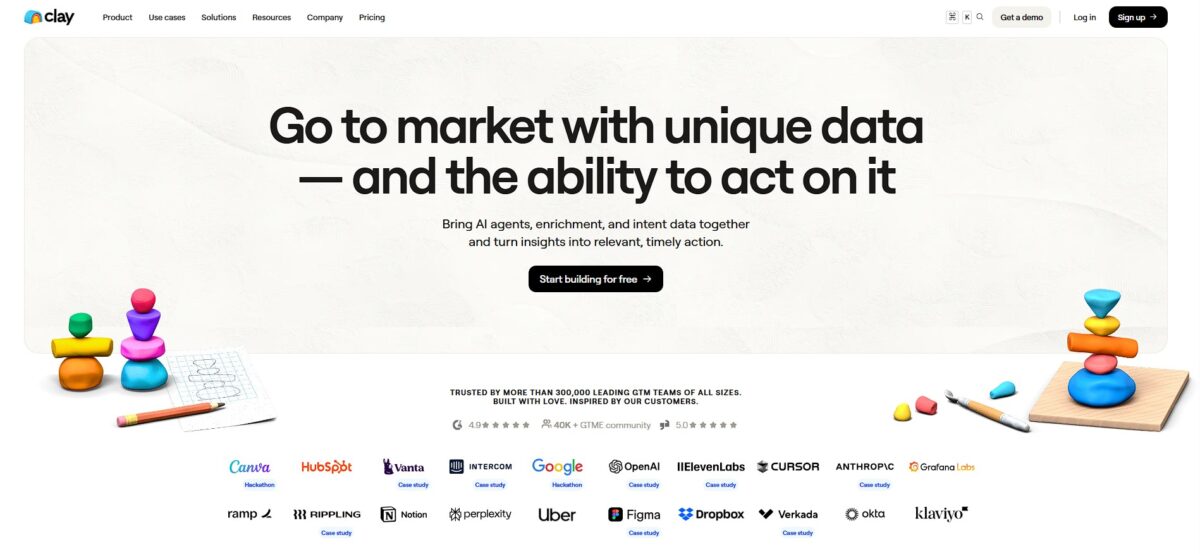
Clay is an aggregator that layers over 50 data providers within a spreadsheet interface. It uses waterfall logic to find verified emails or phone numbers by querying one source after another until a match appears. You stop burning credits on single-provider dead ends and start seeing match rates climb toward 80%. I noticed it handles the grunt work of scraping LinkedIn profiles or checking technographics, though the learning curve feels like learning a new programming language. It’s an automation engine for high-volume outreach rather than a simple lead list builder. This matters because it shifts your focus from manual research to actual selling.
How to start using Clay 2.0?
Skip the empty workspace and start by pulling in your existing mess. Most people jump straight to the “Import” button to connect HubSpot or Salesforce, which lets you bypass the nightmare of manual CSV exports. If you’re not on a major CRM, just upload a raw CSV and map your columns in the table view. This creates a functional base without forcing you to rebuild your database from scratch.
Once your rows are in, you need to enrich them before running any automation. Clicking “Actions” opens up a massive library of 70+ integrations, from LinkedIn scraping to Clearbit data. Use these to find missing email addresses or verified LinkedIn URLs for your lead lists. This turns a static name into a reachable human being with context about their actual role.
Things get interesting when you set up monitoring triggers like “Watch for Job Changes.” Link this to a column of LinkedIn profiles so you can see when a champion moves to a new company. It stops your data from rotting and signals when to reach out with a congratulatory note. Automating this ensures you never lose a point of contact just because they updated their status.
Before you push data back to your CRM, clean up your field names. Use a prefix like “Clay_” for any data points you’ve pulled so your sales team knows exactly where the info came from. This keeps your Salesforce or HubSpot instance from turning into a chaotic dumping ground for bot-generated text. Proper field mapping now saves hours of manual cleanup later.
Who is it for?
Growth Engineers
Clay automates the tedious loop of scraping data and finding emails, letting you build complex outbound waterfalls without writing a single line of Python. This shifts your time from manual research to high-level strategy and testing.
SDRs and BDRs
You can skip the LinkedIn copy-pasting by using 50+ data providers to pull prospect details and recent company news directly into your spreadsheet. This helps you send highly personalized messages that actually get replies instead of being ignored.
Recruiting Teams
Find niche engineering talent by cross-referencing GitHub activity with LinkedIn profiles to see who is actually active in the stack you need. That removes the guesswork, so you can reach out with specific technical context.
Product Researchers
It works well for mapping out a competitor’s customer base or identifying new markets through filtered firmographic data. This turns raw internet data into a structured list of targets you can analyze in minutes.
Agency Owners
Scale your lead generation services by creating reusable templates that enrich lists with specific data points like tech spend or job openings. You deliver better leads to clients without increasing your headcount.
Data Geeks
If you love connecting APIs and watching rows update themselves with fresh data, this is your playground. It makes messy data clean and usable without needing a dedicated data engineering team.
Clay 2.0 pricing
Clay pricing evolved into a dual-currency system that separates data acquisition from orchestration. You pay for Data Credits to buy info from their marketplace and Actions to power the logic that moves that data around.
Free
Cost: $0/mo
100 Data Credits and 500 Actions. Good for sanity-checking a specific waterfall enrichment before scaling. Tables cap at 200 rows, which stalls most real prospecting. Use this to map your data fields, not to run a campaign.
Launch
Cost: $185/mo (billed monthly) or $167/mo (annually)
Includes 2,500 Data Credits and 15,000 Actions. Adds phone number discovery and job change tracking. This is the entry point for solo operators scraping niche lists. The 50,000-row table limit makes it much more usable than the free tier for batch processing, and you can actually build a meaningful local database without hitting a wall.
Growth
Cost: $495/mo (billed monthly) or $446/mo (annually)
Includes 6,000 Data Credits and 40,000 Actions. This tier is essential because it adds CRM sync and HTTP API access. It allows data to flow directly into Salesforce or HubSpot without manual exports. You also get web intent data and ads audience building included. This plan is the sweet spot for teams that treat Clay as their core infrastructure.
Enterprise
Cost: Custom
Scales beyond 100,000 credits and includes SSO and dedicated growth support. Best for orgs targeting over 20,000 accounts. You get the lowest unit cost per credit here, but it requires a custom quote.
Clay 2.0 key features
Aggregate 50+ data providers in one table
You stop juggling dozens of browser tabs and separate billing for every lookup tool. This pulls everything from LinkedIn profiles to specific technographics into a single view. Since it switches providers automatically when the first one fails, you stop hitting “not found” dead ends.
AI-driven web research agents
These agents crawl specific URLs to extract niche details like recent press releases or specific hiring initiatives. In testing, they surfaced relevant “why now” triggers that standard databases often miss. Generic cold emails turn into relevant conversations that actually get replies.
Automated data validation and cleaning
The system checks email validity in real-time and formats messy company names into clean text. It catches those risky “catch-all” addresses that typically tank your sender reputation. Your domain stays off blacklists and out of the spam folder.
No-code visual workflow builder
You map out data steps like a flowchart instead of writing scripts or managing complex VLOOKUPs. Connecting a LinkedIn search to an email finder takes about three clicks and zero lines of code. So you can build and iterate on your lead generation engine without waiting for a developer.
Direct CRM and outreach syncing
Enriched data flows directly into tools like HubSpot, Salesforce, or your email sequencer without manual CSV exports. There is no more tedious column mapping or fixing broken headers every morning. The path from finding a lead to starting a sales conversation gets much shorter.
Conditional routing and branching
Trigger different enrichment steps based on specific criteria like company size or recent funding rounds. You might route a “Seed stage” lead to one sequence while sending a “Series C” prospect for deeper research. Personalized outreach paths lead to higher conversion rates than a one-size-fits-all approach.
Clay 2.0 Pros & Cons
Pros
Clay solves the data coverage problem by chaining over 50 providers into a single waterfall. If one source misses a lead’s email, the next one steps in. This setup eliminates the need for five separate subscriptions and manual CSV merging. I noticed the “Claygent” AI agent handles custom research tasks, like summarizing a LinkedIn profile or checking a website for specific job openings, without writing code. This shifts your time from manual data mining to building creative outbound strategies. It works exceptionally well for technical RevOps teams needing precise enrichment logic. Use a waterfall sequence to maximize your data hit rate before exporting to your CRM.
Cons
The credit-based pricing becomes expensive quickly when running deep sequences on large lists. You pay for both data retrieval and the “actions” that run the logic, which can catch budget-conscious startups off guard. The learning curve is significant, often requiring weeks to master complex enrichment waterfalls. That matters because a poorly configured workflow will burn through your monthly credits with zero usable leads to show for it. Start with small, highly filtered lists to test your logic before scaling your credit spend.
Use Clay 2.0 if you want…
- Build automated GTM waterfalls with 50+ data providers.
- Scale hyper-personalized outbound outreach using AI-led research.
- Identify high-intent leads via real-time buying signals.
- Consolidate your sales stack into one unified workspace.
- Automate inbound lead scoring and CRM enrichment.
- Execute complex data orchestration without writing any code.
- Launch AI agents to handle autonomous prospecting tasks.
Clay 2.0 alternatives
Clay 2.0 Reviews
Clay has completely changed our outbound game; the ability to waterfall multiple data providers ensures we actually find valid emails instead of just guessing.
It’s like having a data analyst in a spreadsheet; I can scrape LinkedIn and enrich leads with AI prompts in minutes rather than hours.
The learning curve is a bit steep at first, but once you master the integrations, the automation workflows are unbeatable for lead discovery.
Finally, a tool that consolidates my tech stack; replacing three different enrichment services with one platform has saved us a fortune.
FAQ
What is Clay 2.0?
Clay 2.0 is a data enrichment and outbound automation platform that combines 50+ data providers, AI research agents and waterfall logic in a spreadsheet-style interface.
Does Clay 2.0 have a free plan?
Yes, the Free plan costs $0/month and includes 100 Data Credits and 500 Actions, with tables capped at 200 rows, which is enough to test a waterfall before scaling.
What is waterfall enrichment?
Waterfall enrichment queries one data provider after another until a match appears, so you stop burning credits on single-provider dead ends and raise match rates for emails and phone numbers.
Does Clay 2.0 sync with my CRM?
Yes, you can import records from HubSpot or Salesforce, and the Growth plan unlocks CRM sync and HTTP API access so enriched data flows back without manual CSV exports.
Do I need coding skills to use Clay 2.0?
No, workflows are built visually in a no-code, spreadsheet-style interface, although mastering complex enrichment waterfalls has a significant learning curve.
How does Clay 2.0 charge for usage?
Clay uses two currencies: Data Credits to buy information from its provider marketplace and Actions to run the logic that moves that data around, with paid plans starting at $185/month.
Similar tools
 HexCollaborative analytics workspace that mixes SQL, Python and AI agents in notebooks, then publishes results as data apps and plain-language answers.
 WindwardMaritime AI platform that fuses AIS, satellite and ownership data into vessel risk scores, sanctions screening, alerts and container ETAs.
 Delve AIAI market research platform that builds personas from analytics, CRM and social data, then lets you chat with them or run synthetic