

CodeSignal Learn
Developer ToolsUpdated October 5, 2026
CodeSignal Learn is an AI-powered platform for mastering technical skills through hands-on practice and personalized tutoring.
We may earn a commission when you sign up through our links. It does not affect our reviews.
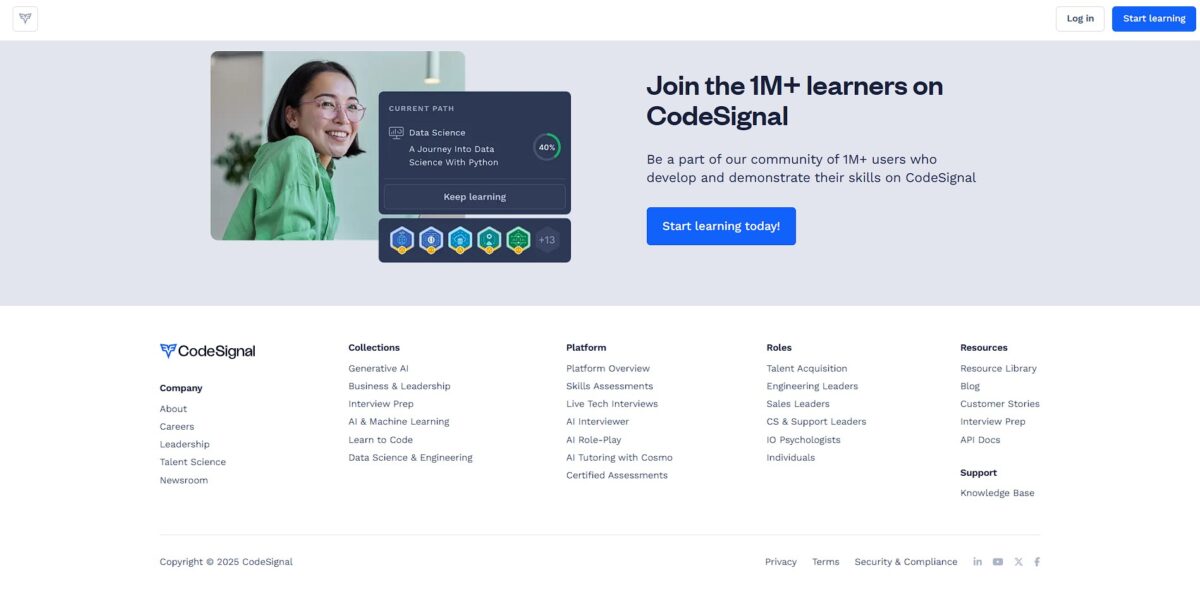
What is CodeSignal Learn?
CodeSignal Learn moves beyond passive video tutorials by placing you inside a browser-based IDE to solve production-level problems. You write actual code and receive immediate, context-aware hints from Cosmo, an AI tutor that explains why your logic failed instead of just handing over the answer. This interactive setup bridges the gap between following a syntax guide and actually surviving a technical interview. I noticed the environment mimics a real local setup with a terminal and filesystem, which keeps the experience grounded in professional reality. That matters because it builds muscle memory for tools like Git and integrated debuggers that standard quizzes ignore. It works well for mastering logical flow and API patterns, though it is less ideal for someone just looking to browse theory without typing. Use it to transform your theoretical knowledge into a verified skills profile that mirrors what engineering managers actually look for in candidates.
How to start using CodeSignal Learn?
Head to the CodeSignal Learn portal. You sign up using your email or a social login to start. The interface is clean and drops you straight into a choice of learning paths. The onboarding asks about your current experience level to avoid boring you with “Hello World” if you already know your way around a terminal. This tailoring helps you jump into relevant lessons immediately.
Next, pick a specific track like AI, Data Science, or Python. Each path contains several courses with interactive coding practices. You won’t just watch videos here. You write code in a built-in browser IDE that mirrors a real developer environment. You get practice for actual project work instead of passive watching.
Use the chat interface to talk to Cosmo, the AI guide. If you get stuck on a tricky JavaScript logic flaw, Cosmo provides targeted hints rather than just giving away the solution. This mimics a senior dev’s guidance during a pair programming session. It prevents the frustration of hitting a wall and losing your momentum during a late-night study session.
If you want to track official progress, verify your account details in the profile settings. This allows you to earn digital certificates that show proof of your skills to potential employers. You can manage your subscription status or change your learning path at any time from the top navigation. The catch: the experience is structured and needs consistent engagement to show results.
Who is it for?
The Technical Interview Candidate
If you can explain a hash map but freeze when a coderpad timer starts, this simulates that exact pressure. You write code in a real terminal instead of a static text box. You build the reflexes needed to handle edge cases while a recruiter watches.
The “Tutorial Hell” Survivor
It works well for those who have watched dozens of videos but still can’t build a project from a blank file. I noticed the AI tutor, Cosmo, forces you to think by asking questions rather than just pasting the solution. As a result, you internalize the logic instead of just mimicking a screen.
Career Switchers with Theory Knowledge
If you know what a “for loop” is but don’t know how to navigate a professional filesystem, the integrated IDE fills that gap. It replaces abstract quizzes with production-level problems. It mirrors the environment you’ll use on day one of a new job.
Python and Data Science Pathfinders
The platform excels at structured tracks for machine learning and data manipulation. On the downside, it might feel too rigid for a creative developer wanting to build a custom frontend from scratch, since it prioritizes job-readiness over pure artistic coding.
Engineering Managers
Use this to verify a team’s proficiency in specific API patterns or security practices. You get data-driven maps showing exactly where a developer’s logic breaks down. Vague “years of experience” becomes a visible skills profile.
CodeSignal Learn pricing
CodeSignal Learn splits its access between a free starting point and a paid subscription for those needing consistent AI guidance. The model feels fair for casual learners but scales quickly for teams. You can browse basic paths without a credit card, though the real value sits behind the Cosmo+ paywall.
You get access to the basic Skills Profile and limited practice modules. This works well for a quick afternoon refresh, but you lose the AI tutor’s interactive help on complex blocks, and hitting a wall in a Python lesson without feedback usually ends the session.
This adds unlimited AI tutoring and personalized skill paths. It removes the friction of waiting for manual feedback or searching forums for obscure syntax errors. In effect, a static coding environment becomes a conversation that fixes your specific logic bugs in real-time.
CodeSignal Learn key features
Build code in a browser-based IDE that mimics a local setup
You write, compile, and debug within a protected container without messing up your own machine. No more “it works on my machine” headaches during training.
Engage with Cosmo, an AI tutor that guides rather than just giving answers
It spots logic errors in your Python or JavaScript and asks leading questions to help you self-correct. You actually retain the syntax instead of just copy-pasting.
Solve technical challenges that mirror actual job assessments
The platform uses the same engine companies use to hire, so you practice under realistic pressure. That takes some of the anxiety out of the real interview when it comes.
Visualize your progress with data-driven skill maps
The dashboard breaks down your proficiency into specific sub-topics like “Binary Trees” or “Object-Oriented Design.” You stop wasting time on concepts you already mastered.
Switch between learning paths designed for different career stages
You can jump from basic syntax to advanced systems architecture without finding a new platform. The trade-off is that some niche languages might have less depth than mainstream ones like Python.
CodeSignal Learn Pros & Cons
Pros
CodeSignal Learn mirrors the pressure of actual technical interviews by using the same IDE you’ll face during hiring assessments. You get to debug filesystem and frontend tasks or write unit tests in a sandbox that feels real. The AI tutor provides instant feedback on your logic without giving away the answer immediately. That repetition builds the reflexes you need to solve complex problems under a clock. The practice questions accurately reflect the variety of simulations, like whiteboard and spreadsheet tasks, used by major tech firms. It is a good bridge between watching tutorials and actually shipping functional code.
Cons
The platform focuses heavily on passing specific test cases which can sometimes discourage creative or non-standard architectural choices. If you want to build a deep, multi-file project from scratch, the assessment-style format might feel restrictive. Some advanced features or specific pathways require a paid subscription once you move past basic practice. A casual learner might hit that paywall just as the concepts get interesting. The feedback loop is great for syntax but less helpful for high-level design patterns. Pick this for interview prep rather than as a primary tool for learning a new language from zero.
Use CodeSignal Learn if you want…
- Ace technical interviews with data-driven practice.
- Master coding fundamentals through interactive, real-world challenges.
- Build a verified profile of your programming skills.
- Bridge the gap between learning and professional assessments.
- Level up your algorithmic thinking with instant feedback.
- Learn new languages in a secure, pre-configured environment.
- Track your progress with detailed coding performance analytics.
- Practice problem-solving in conditions that mimic top tech hiring.
CodeSignal Learn alternatives
CodeSignal Learn Reviews
The integrated IDE and Cosmo AI make learning new syntax feel less like a chore and more like a conversation. Great for breaking out of tutorial hell.
I appreciate how the AI doesn’t just give the answer but nudges you toward the right logic. It’s much better than just copy-pasting from a chatbot.
The practice environments are solid, though the AI occasionally gets stuck on niche edge cases. Still the best way I’ve found to bridge the gap between theory and code.
Finally, an AI tutor that understands project context. It helped me debug a tricky loop in my Python course without spoiling the solution.
FAQ
What programming languages are supported in CodeSignal Learn?
You can learn and practice in several popular languages including Python, Java, JavaScript, TypeScript, C#, Go, and SQL, covering domains from web development to data science.
Does CodeSignal Learn provide help if I get stuck on a coding challenge?
Yes, the platform includes Cosmo, a context-aware AI tutor that provides personalized guidance and feedback to help you navigate through practice-based modules without giving away the direct answer.
Can I earn certifications through the platform?
CodeSignal Learn allows you to build verified skills and earn recognized certificates that you can share with potential employers to prove your proficiency in specific technical domains.
What kind of learning environment does the platform use?
The platform features an integrated development environment (IDE) that replicates real-world workplace tools, allowing you to solve problems in a setting that simulates on-the-job experiences.
How is user data and privacy handled?
All personally identifiable information is encrypted in transit and at rest using MongoDB on AWS, and the platform adheres to strict privacy guidelines such as GDPR and CCPA.
Are there resources specifically for interview preparation?
The platform offers dedicated interview prep paths and realistic workplace conversation simulations driven by AI to help you prepare for both technical assessments and behavioral interviews.
Similar tools
 Novita AIDeveloper cloud with one API for 200+ open-weight AI models, plus GPU instances, dedicated endpoints and isolated sandboxes for AI agents.
 You.comDeveloper platform of web search, content extraction, cited research and model inference APIs that feed AI agents and RAG apps real-time web
 QodoAI code review platform that runs specialized agents on every pull request, enforces team rules and checks changes against tickets and linked