

CrewAI
AI AgentsUpdated October 18, 2026
Open-source Python framework and managed platform for building crews of role-based AI agents and running them as governed business workflows.
We may earn a commission when you sign up through our links. It does not affect our reviews.
What is CrewAI?
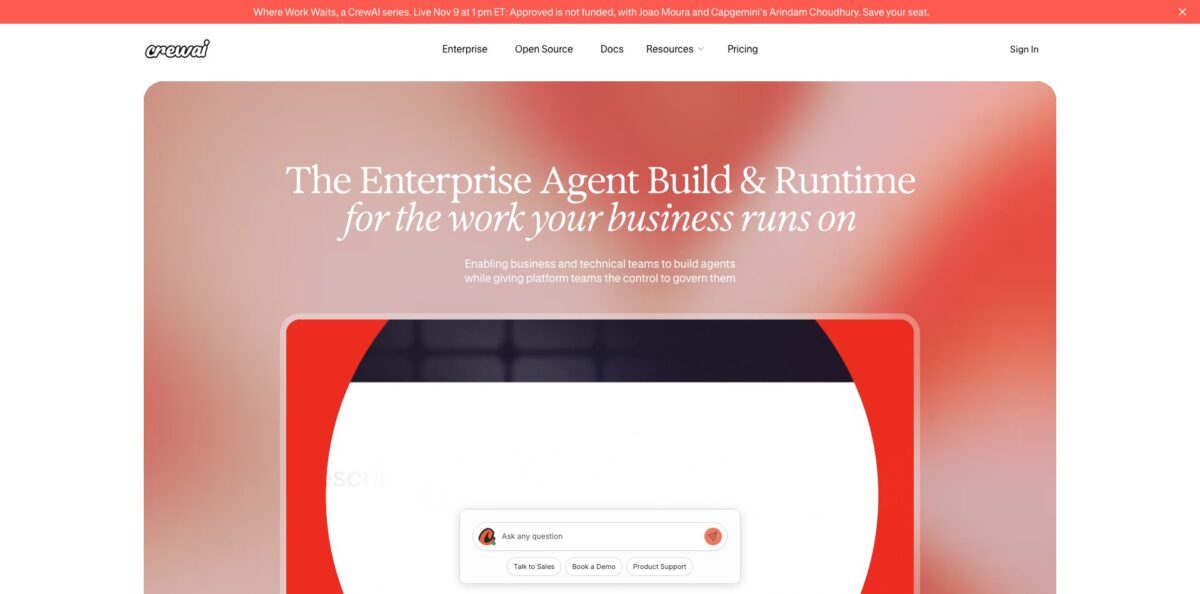
CrewAI is an MIT-licensed Python framework, plus a commercial platform called CrewAI AMP, for orchestrating several LLM agents that each get a role, a goal and a backstory, then split a job between them. Instead of one giant prompt that tries to research, write and review at once, you define a researcher, an analyst and an editor, hand each one its own tools and model, and let them pass work along a sequential or manager-led process. Flows add event-driven control with state and branching when you need deterministic steps. The open-source repo has close to 60,000 GitHub stars and ships releases almost weekly. The weak spot is debugging: when agents loop or quietly skip a tool call, the abstraction makes the cause hard to see. Pick it if you write Python and want multi-agent prototypes running in an afternoon.
How to start using CrewAI?
You have two entry points. Developers install the open-source CLI: make sure you run Python 3.10 to 3.13, install the uv package manager, then run
uv tool install crewai. If you would rather not touch a terminal, sign up for the free Basic plan at app.crewai.com and open Studio, the visual editor with an AI copilot, where you describe the workflow in plain language and get a crew you can later export to Python.Your first real scenario on the code side starts with
crewai create crew my_project. The default scaffold now uses JSON files: each agent lives inagents/*.jsonc, while tasks and crew settings sit increw.jsonc. Add the--classicflag if you prefer the older layout withagents.yaml,tasks.yamlandcrew.py. Put your model key in.env, runcrewai install, thencrewai run, and the CLI will prompt you for any missing input placeholders.The settings that shape results are per agent: which LLM it uses, whether reasoning and memory are on, which tools and knowledge sources it can reach, and whether it runs code in a sandbox. Models are set with a
provider/model-idstring, and the docs list more than 20 providers, from OpenAI, Anthropic and Gemini to Bedrock, Groq and local Ollama. Give the expensive model only to the agent that needs heavy reasoning and use a cheaper one for summarising.When the crew behaves locally, push the project to GitHub and deploy it. You can click Connect GitHub in the AMP dashboard, or run
crewai loginandcrewai deploy create, which reads your local environment variables and queues the build; the docs say a first deployment usually takes about a minute. You then get a URL and a Bearer token, and the crew answers on/inputs,/kickoffand/statusendpoints, with Status, Run, Executions, Metrics and Traces tabs in the dashboard.
Who is it for?
Python developers
You want agents that collaborate without wiring a state machine by hand. CrewAI gives you roles, tasks and processes as ready primitives, so a research-and-report pipeline takes a few files instead of a custom orchestration layer. You still keep low-level access when the defaults get in the way.
AI engineers at larger companies
Your pilots work on a laptop but stall when security asks about access control and audit trails. The Enterprise tier adds SSO, role-based access, PII redaction and deployment into your own VPC or infrastructure. That turns a demo into something a platform team can sign off on.
Automation and operations teams
You are replacing brittle RPA scripts or long manual checklists, such as lead enrichment or QA review. Crews can pull data from several internal systems, apply judgement and hand results to a human approval step. Expect to spend time on guardrails before the first workflow goes live.
Technical founders and consultants
You need to show a client a working multi-agent prototype this week, not next quarter. The CLI scaffold and templates get you to a running crew fast, and the free plan lets you host a couple of automations for a demo. Plan your production architecture separately, because 50 runs a month disappear quickly.
Students and self-learners
You want hands-on practice with agent design rather than theory. CrewAI runs free courses at learn.crewai.com, and the project says more than 100,000 developers have been certified through them. The examples are approachable, though the docs assume you already know basic Python.
CrewAI pricing
Pricing splits into two layers. The open-source framework is free under the MIT license, so the only running cost is your LLM provider bill and your own hosting. The hosted AMP platform charges by workflow executions, and the official pricing page lists just two tiers as of October 2026. Remember that every agent step burns LLM tokens on your own provider account, so a crew with five agents can cost several times more per run than a single-prompt script.
Includes Studio (the visual editor with AI copilot), GitHub integration, standard tools and triggers, tracing, OpenTelemetry, guardrails, human-in-the-loop input and workflow chat in Slack or Teams. The hard limits are 2 automations and 50 workflow executions per month, with no option to buy extra executions. Support is community-only.
Custom. Executions are sized to your workflows with flexible overage, and you can deploy on CrewAI cloud, a dedicated VPC or your own infrastructure. It adds enterprise connectors, SSO with Microsoft Entra or Okta, role-based access control, PII redaction and policies, dedicated support over Slack or Teams, and a 45-day onboarding program. Forward-deployed engineering and training are sold a la carte, and there is a Request trial button rather than a public price.
CrewAI key features
Role-based agents are defined with a role, goal and backstory, plus an optional model, tools, memory and reasoning switch. You can write them in YAML, JSON or Python, and mix the styles. Keeping each agent narrow makes prompts shorter and outputs easier to audit.
Crews and Flows cover two kinds of work
Crews let agents delegate and collaborate on open-ended problems, while Flows give you event-driven steps with state, conditional branching and single LLM calls. Combining them lets you keep the risky parts deterministic and hand only the fuzzy parts to agents.
A large tool library comes out of the box, covering web search, website interaction, vector database queries and code execution. The framework has first-class support for MCP servers and native sandbox tools for E2B and Daytona. Agents can call your internal APIs without you writing a custom adapter for each one.
Memory and checkpointing keep long jobs from starting over
Memory stores and resolves facts across runs, and checkpointing captures state at each step so you can replay, fork or rerun a task with different inputs. That saves tokens when a long workflow fails near the end.
Model flexibility means each agent can point at a different provider
OpenAI, Anthropic, Gemini, Azure, Bedrock and Snowflake Cortex use native SDKs, and the rest, including local Ollama models, run through LiteLLM. You can test cheaper models on low-stakes agents without rewriting the crew.
AMP deployment and observability turn a crew into an API
You deploy from GitHub, Studio or the CLI, then get REST endpoints, webhook streaming, a tool repository and traces of every LLM and tool call with cost accounting.
Governance controls in the Enterprise tier include SSO, RBAC, audit trails, human approval gates and runtime hooks that inject PII redaction and policy checks into each LLM and tool call. Evaluation integrations cover Arize, Galileo, Datadog and Patronus. These are the pieces compliance teams ask about before production.
CrewAI Pros & Cons
Pros
The mental model is the main draw. Describing work as a team of specialists with clear jobs is easier to reason about than a graph of nodes, and reviewers on G2 repeatedly praise how fast they get collaborating agents running. You can swap models per agent, use local models for privacy, and keep everything in plain Python under an MIT license with no vendor lock-in. The project is very active, with new releases shipping almost every week, a big community and free certification courses. When you outgrow a laptop, the same code deploys to AMP with tracing and an API attached. Start with the open-source version and move to AMP only when you need hosting or governance.
Cons
The abstraction that makes demos quick also hides what agents actually do. Users report agents looping during tool use or agent-to-agent exchanges, which wastes time and API budget, and a well-known GitHub bug showed agents producing fake tool observations instead of calling the tool. An open issue notes that retried tasks can re-run tools with side effects, such as sending an email twice. Multi-agent runs also multiply token costs, the free plan caps you at 50 executions, and Enterprise pricing is not public. Several developers find the docs hard going if they are new to agents. Add idempotency checks to any tool that changes data, and keep tracing on.
Use CrewAI if you want…
- Build multi-agent research and reporting pipelines in Python.
- Split one complex job across specialised AI agents.
- Prototype agent workflows quickly with an open-source framework.
- Mix different LLM providers inside a single workflow.
- Run agents on local models through Ollama.
- Deploy crews as REST APIs with built-in tracing.
- Replace brittle RPA scripts with judgement-capable agents.
- Add human approval steps to automated business processes.
- Self-host governed agents inside your own VPC.
CrewAI alternatives



CrewAI Reviews
Developers on G2 say setting up collaborating agents and swapping in different models is quick, but agents can loop during tool calls or handoffs, burning time and API credits.
Several reviewers like the role-based structure for multi-step work, yet call the learning curve steep and want documentation that is friendlier to people new to agents.
Studio users appreciate building and testing workflows without writing all the code, while complaining about lag in multi-step runs and automation pricing they consider high.
GitHub users have flagged reliability gaps, such as agents simulating tool output instead of calling the tool and retries that can repeat side effects, which matters for production use.
On Hacker News, some developers say framework layers make production debugging painful and prefer thin wrappers over model SDKs, while others say frameworks pay off for complex, observable multi-model setups.
FAQ
Is CrewAI free?
The open-source framework is free under the MIT license, and you only pay for the LLM APIs you call. The hosted Basic plan is also free but limited to 2 automations and 50 workflow executions per month.
Does CrewAI depend on LangChain?
No. The README describes CrewAI as a standalone Python framework with its own primitives for agents, tasks, crews, flows and tools.
Which LLMs does CrewAI support?
The docs list more than 20 providers, including OpenAI, Anthropic, Google Gemini, Azure, AWS Bedrock, Mistral, Groq and IBM watsonx. Local models work through Ollama or LM Studio.
What Python version do I need?
CrewAI requires Python 3.10 or newer and below 3.14. The docs recommend installing it with the uv package manager.
Does CrewAI collect my data?
The framework sends anonymous telemetry such as version numbers, agent counts and tool names, but not prompts or task outputs by default. You can switch it off by setting the OTEL_SDK_DISABLED environment variable to true.
Can I self-host CrewAI in production?
Yes. You can run the open-source framework on any infrastructure, and the Enterprise plan supports deployment in your own VPC or on-premise environment with SSO and role-based access.
Does CrewAI have an API?
Every crew deployed to AMP gets a URL, a Bearer token and REST endpoints to read required inputs, start a run and check its status. You can also redeploy crews from CI with a personal access token.
How much does CrewAI Enterprise cost?
Enterprise pricing is quote-based and sized to your workflows, with flexible overage for extra executions. You can request a trial from the pricing page.
Similar tools
 Level AIContact center AI platform that scores every call, chat and email, runs voice and chat virtual agents, and gives live agents real-time
 AiAgent.appNo-code workspace for building AI agents, Autopilots and workflows that act across your business apps, with human approval before external writes.
 MeshPersonal CRM, formerly Clay, that builds contact cards from email, calendar and social apps, with the Nexus AI agent to search and