
D-ID Creative Reality
Video GenerationUpdated October 5, 2026
Transform static photos into engaging talking-head videos with AI-powered facial mapping, professional lip-syncing, and global language support.
We may earn a commission when you sign up through our links. It does not affect our reviews.
What is D-ID Creative Reality?
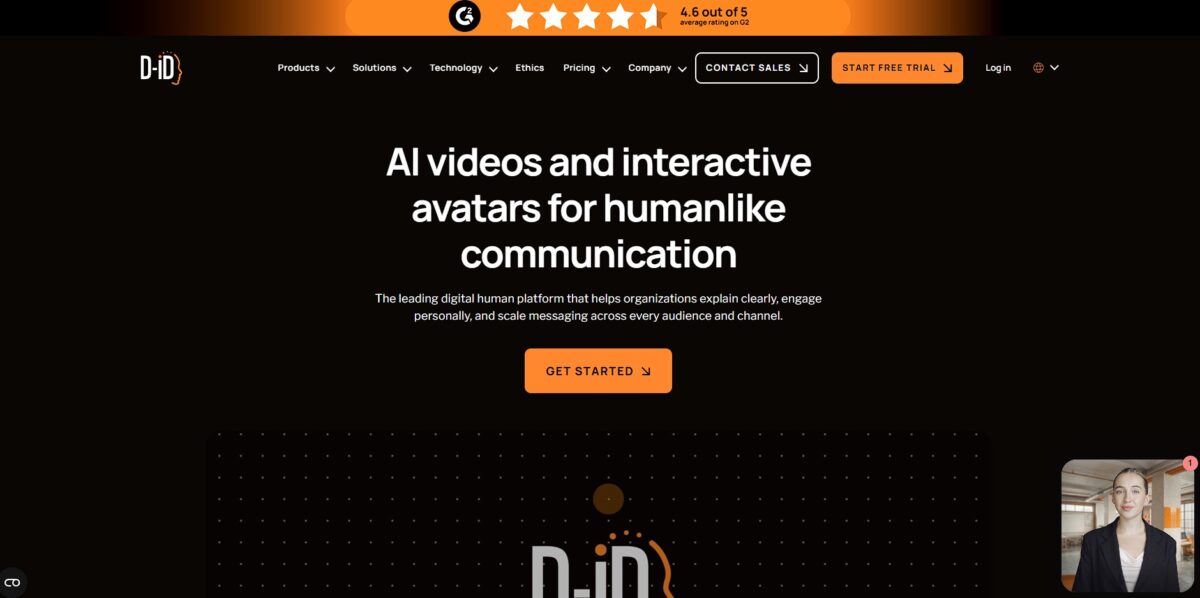
D-ID Creative Reality is an animation engine that forces static portraits to speak and blink using nothing but text or audio files. It skips the cameras and lighting kits, letting you generate a presenter-led video from a single headshot in minutes. While it struggles with full-body motion, its specialized focus on facial mapping creates localized clips for internal training or social ads without scheduling a studio session. So you can pivot your messaging instantly by typing new lines instead of re-shooting entire scenes.
How to start using D-ID Creative Reality?
Start by landing on the D-ID Studio homepage. You can sign up using a Google account or email. The dashboard is clean, keeping tools for video generation and chat agents in separate tabs. It avoids the clutter found in deepfake editors, focusing instead on a straightforward creation flow.
The first step is selecting your canvas. You can upload a personal headshot or pick from the library of photorealistic avatars. Choosing a portrait with clear lighting and a neutral expression works best. I noticed that busy backgrounds sometimes lead to odd pixel warping around the hair during animation. This initial setup determines if your final clip looks like a professional broadcast or a glitchy experiment.
Next, you need to provide the voice. You can type a script and select from various languages and regional accents. Alternatively, upload an MP3 of your own voice for a more authentic feel. The system then maps the audio to the facial movements. This automation saves hours of manual frame-by-frame lip-syncing. Using your own voice sounds more natural than the standard synthetic options.
Click generate and wait for the render. Processing usually takes a few minutes depending on the script length. Once finished, you can preview how the eyes blink and the mouth moves in sync with the speech. It’s effective for educational explainers where a talking head adds a human touch without needing a film crew. This makes scaling video content possible for solo creators.
All of this removes the need for expensive cameras, studio lighting, and multiple takes.
The trade-off is the loss of natural body language beyond the neck up. Use high-resolution, front-facing images to prevent the “uncanny valley” effect where the animation looks slightly off-putting.
Who is it for?
L&D Professionals
You can convert static employee handbook headshots into speaking mentors. This cuts down the time spent filming subject matter experts who rarely have free slots in their calendars.
History Educators
Bring archival portraits to life to deliver primary source quotes. It makes dry textbook figures feel like relatable human beings, though the lip-sync occasionally hits the “uncanny valley” if the source image is too low-resolution.
Internal Communications Teams
Use a digital version of the CEO for routine weekly updates or policy changes. This keeps the messaging personal without requiring the executive team to book a studio for every five-minute announcement.
Customer Support Managers
Create a library of “talking” FAQ videos from stock photos to explain complex troubleshooting steps. Visual guides reduce the mental load for frustrated users compared to reading a wall of text.
Creative Prototypers
D-ID is a solid choice for rapid mockups of character dialogue before committing to a full animation budget. It allows you to fail fast and iterate on scripts using just a still image and an audio file.
D-ID Creative Reality pricing
D-ID uses a credit-based system that forces you to think in seconds rather than projects. While the entry price looks accessible, the cost climbs quickly once you need commercial rights or higher resolution. I noticed that video length is rounded up to the nearest 15-second increment, which can eat through your monthly quota faster than expected if you produce many short clips.
You get a full-screen watermark, which limits the output to internal prototyping.
It keeps a D-ID logo on your videos. This is a cheap way to experiment but lacks the professional polish required for client-facing work.
You trade the big logo for a smaller AI watermark. This allows you to monetize content on social media without distracting branding.
It includes full API access for automating workflows. This serves high-volume marketing teams who need to generate hundreds of personalized video emails.
Custom quotes for unlimited scaling and voice cloning. Useful takeaway: Check your typical video lengths before subscribing; since D-ID rounds up to 15-second blocks, a 16-second clip costs the same as a 30-second one.
D-ID Creative Reality key features
Turn a single front-facing photo into a talking head that blinks and moves naturally
This bypasses the need for a studio setup or expensive camera gear when you just need a person to deliver a script. You can produce video explainers from your desk without hiring actors.
Sync lip movements to text or uploaded audio files in over 120 languages
The engine analyzes phonemes to ensure the mouth shapes match the specific sounds of your chosen dialect. I noticed it handles complex accents better than generic animators, which keeps the “uncanny valley” effect in check and makes instant global localization of training materials possible.
Generate custom presenter images using built-in text-to-image prompts
If you don’t want to use your own face, you can describe a character and have the AI build a unique persona from scratch. This helps maintain privacy while still providing a human element to digital content. You also aren’t limited to a small library of stock actors that everyone else is using.
Record your own voice or use voice cloning to personalize the audio track
Instead of robotic text-to-speech, you can make the digital twin sound exactly like you or a specific team member. One catch: poor-quality mic recordings will lead to glitchy lip-syncing. Done right, it builds trust and authenticity in internal company announcements.
Integrate video generation directly into Canva and Microsoft PowerPoint workflows
You can create and embed talking avatars without leaving your design canvas or presentation deck. Assembling educational slides or marketing pitches gets faster, and you skip jumping between browser tabs and downloading large files.
Automate large-scale production via a developer-friendly API
Teams can script the generation of hundreds of personalized videos for email campaigns or customer onboarding. While the web studio is great for one-offs, the API handles the heavy lifting for enterprise-level demands. That’s how you send a custom video to every customer without manual editing.
D-ID Creative Reality Pros & Cons
Pros
D-ID turns any static portrait into a talking head in under two minutes. It eliminates the need for expensive cameras and lighting setups by using deep-learning to animate facial expressions. The lip-sync aligns remarkably well with uploaded audio files, making it a fast way to localize presentations into dozens of languages. This matters because it allows educators and marketers to produce personalized video content at a scale that manual filming can’t match. The integration with Canva and PowerPoint helps you drop avatars directly into your existing slides without jumping between apps. Use the trial credits to test how your specific photo handles jaw movement before committing.
Cons
Expect some visual glitches since the AI focuses almost entirely on the face while the body remains stiff. High-resolution outputs often struggle with “weird teeth” or skewed expressions during complex head turns. The pricing feels steep for small creators, especially with watermarks appearing on lower-tier paid plans and credits being consumed even if a render fails. This matters because a single typo in your script can waste money on a video that looks slightly unnatural. API costs climb quickly for developers building real-time streaming apps. Stick to clear, front-facing photos to avoid the “uncanny valley” effect where the face looks like a floating mask.
Use D-ID Creative Reality if you want…
- Animate static portraits into lifelike, speaking digital presenters.
- Localize training content instantly across 120 different languages.
- Transform marketing photos into high-conversion personalized video messages.
- Automate corporate onboarding using realistic, cost-effective AI avatars.
- Sync custom audio to any image with precision.
- Scale video production without expensive crews or cameras.
- Build interactive visual agents for real-time customer engagement.
- Breathe movement and expression into historical or fictional characters.
D-ID Creative Reality alternatives
D-ID Creative Reality Reviews
The lip-syncing is impressively sharp for a talking-head tool, making my corporate presentations feel much more personal without a film crew. However, the background credit system is a bit punishing; one small typo in your script and you’ve wasted a paid render.
I love how quickly I can turn a single headshot into a speaking avatar for social ads, and the ElevenLabs voice integration is a massive quality boost. My only gripe is the pricing, as the minutes disappear fast if you’re doing anything longer than a quick clip.
It’s the best tool I’ve found for animating historical portraits, but it really struggles if you need the character to do more than just blink and tilt their head. Great for “talking photos,” but don’t expect it to handle complex gestures or full-body movement.
FAQ
What is the maximum length for a D-ID video?
Videos created using the Creative Reality Studio or API are limited to a maximum duration of 5 minutes per clip.
Which image formats does D-ID support for uploads?
The platform supports portrait images in JPEG, JPG, and PNG formats with a maximum file size of 10 MB.
Can I translate my videos into other languages using D-ID?
Yes, D-ID Video Translate can automatically re-voice videos in 30 different languages while cloning the original speaker’s voice and adapting lip movements.
Does D-ID offer an API for developers?
Yes, D-ID provides a full-featured API that allows businesses to integrate AI video generation and talking avatars into their own applications, chatbots, or customer service tools.
Can I use my own voice to animate an avatar?
Yes, you can either upload an existing audio file or use the voice cloning feature to create a digital replica of your own voice to drive the animation.
What AI models power the Creative Reality Studio?
The studio integrates multiple advanced models, including D-ID’s proprietary face animation technology, GPT-3 for script generation, and Stable Diffusion for text-to-image avatar creation.
Does D-ID support commercial use for generated content?
Yes, paid subscription tiers generally allow for commercial usage, enabling businesses to use the avatars for marketing, ads, and corporate communications.
Similar tools
 AIAIAll-in-one AI studio that puts Veo, Sora, Kling, Seedance and other models behind one credit balance for video, images, music and voice.
 ToMoviee AIWondershare's AI creative studio that turns text prompts and images into short videos, pictures, music, sound effects and voiceovers.
 Morph StudioBrowser AI video studio that runs Seedance, Kling, Veo and its own style transfer model, with a storyboard canvas for multi-shot clips.