

MagicLight
Video GenerationUpdated October 26, 2026
AI story-to-video platform that turns a script or idea into animated videos up to 50 minutes long with recurring characters, voiceover and subtitles.
We may earn a commission when you sign up through our links. It does not affect our reviews.
What is MagicLight?
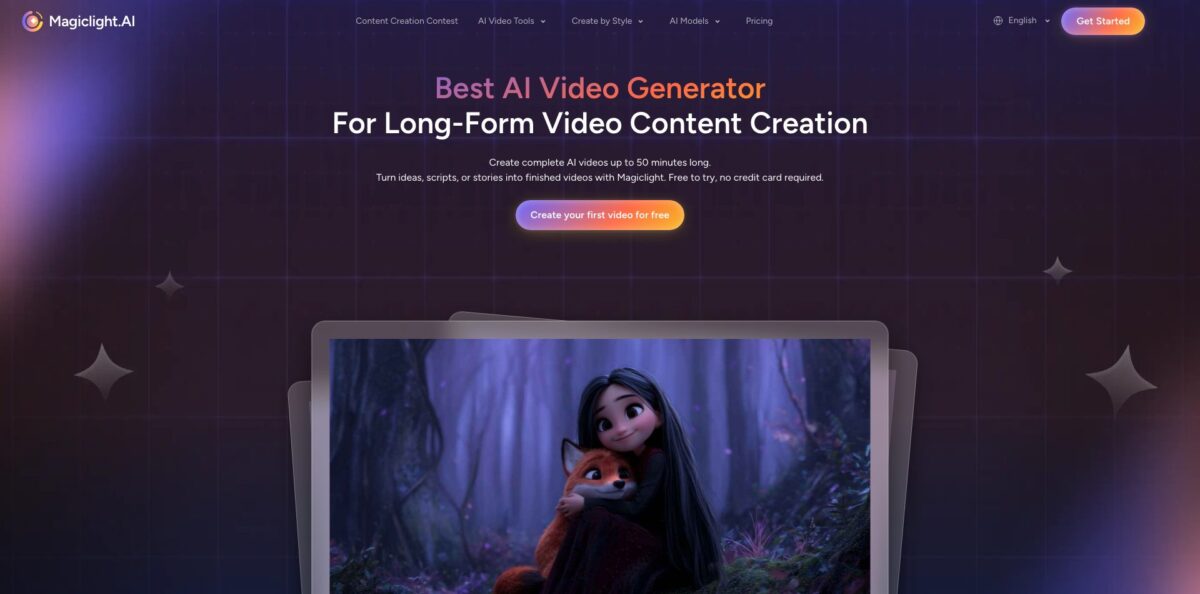
MagicLight (also styled MagicLight.AI) is a Hong Kong-based story-to-video platform that plans, illustrates, voices and animates a whole narrative instead of one short clip. You give it an idea or a script of up to 12,000 characters, it writes scenes with a story model, builds a storyboard of still frames with recurring characters, and then animates those frames with video models such as Seedance, Kling, Veo and MiniMax. The pitch is runtime: paid plans support videos up to 50 minutes, aimed at kids’ story channels, Bible and history explainers, lessons and faceless YouTube series. The weak spot is cost control and reliability, because every image, animation and re-edit draws credits, and many recent user reviews describe drifting characters and billing disputes. Pick it if you want long animated stories without editing skills and you will watch your credit balance closely.
How to start using MagicLight?
Create a free account on magiclight.ai or in the iOS or Android app. No card is needed, and the free tier gives you a small batch of credits that the FAQ says covers one or two video generations. Long-form runtimes (up to 50 minutes) start on the Standard plan, so treat the free credits as a test of style and character quality rather than a way to finish a full episode.
Start from a template or a blank story. The homepage offers starters such as Jingles, Kids story, One click video, Animated cartoon, Religious story, Image to video and Explainer, and the Create by Style menu covers looks like Pixar, Disney, 3D Cartoon, Comic, Realistic and Picture Book. In the long video generator you describe the story, pick a 30- or 50-minute runtime and choose one of nine story models to expand the plot and pacing.
Next comes the character and storyboard stage, where most of the quality is decided. You can let MagicLight create characters or write your own with a prompt of up to 1,000 characters and reuse them in later stories. Review the storyboard frames, rearrange scenes and fix dialogue here, because changes after animation cost more credits. This is also where you choose voices: one of the built-in voices or a clone recorded from a 30 to 60 second sample on paid plans.
Animate the frames, add background music and captions, preview the result and export as MP4 at up to 1080p. Paid plans remove the watermark and include a general commercial license. Before you publish, watch the full video once for duplicated characters or audio that does not match the scene, which are the most common complaints.
Who is it for?
Kids’ story and bedtime channels
You need a steady flow of gentle, colorful episodes with the same characters every week. MagicLight’s templates, character library and picture-book styles are built around this use case. Expect to check every scene for small continuity errors before upload.
Faith and history explainer creators
Bible stories, parables and historical narratives fill long runtimes and rarely need photoreal footage. The platform has dedicated religious and historical templates and handles narration plus subtitles in one place. You get a 20 to 30 minute episode without hiring an illustrator.
Faceless YouTube creators
You want long videos for watch time but cannot film or animate. A 30- or 50-minute runtime with one consistent narrator voice is the core offer. The catch is credit burn on long projects, so budget per episode.
Teachers and course creators
A lesson script can become an animated explainer with a cloned narrator voice and captions. Updating a lesson means editing the script and regenerating rather than re-recording. Check facts on screen carefully, since the AI can add scenes that do not match your text.
Authors and storytellers
Turn a chapter or short story into an animated episode to promote a book or test an idea. Story models help with pacing, and characters can be reused across a series. Expect to spend time rewriting prompts for scenes the model misreads.
Small marketing teams
Product stories, brand explainers and social cuts are possible, with commercial rights on paid plans. For short ads, simpler clip generators may be cheaper.
MagicLight pricing
MagicLight sells monthly credit subscriptions. Credits pay for story generation, images, animation and edits, and the pricing page lists approximate minutes of video and seconds of image-to-video each plan covers. Yearly billing is currently shown with a “Limited Time: 50% OFF” banner and also gives more credits per month than monthly billing. All paid plans include 1080p export without watermark, a general commercial license, free character and image generation, and support for 50-minute videos.
Limited sign-up credits, no card required; the FAQ says enough for one or two video generations.
Yearly: $7.50/month, $90 billed annually, with 8,000 credits per month.
Yearly: $14/month, $168 billed annually, with 27,000 credits per month.
Yearly: $22/month, $264 billed annually, with 47,000 credits per month.
Yearly: $45/month, $540 billed annually, with 150,000 credits per month.
Yearly: $75/month, $900 billed annually, with 280,000 credits per month.
You can cancel anytime and keep credits until the end of the billing period, buy extra credits when you run out, but used credits are not refundable.
MagicLight key features
Long video generator: you pick a 30- or 50-minute runtime and paste a script of up to 12,000 characters, and the system plans the full plot before it generates scenes. This is the main difference from clip tools capped at seconds.
Story models: nine language models, including GPT-5.6 and Claude Opus 4.6 according to the product page, expand a one-line idea into a scripted, scene-by-scene story. You can also upload your own draft instead. It helps beginners who struggle with pacing and structure.
Character library: you define a character once, by prompt or uploaded image, and reuse it across scenes and later videos
MagicLight says it uses its own image model to lock faces, proportions and clothing. Results vary, and multi-character scenes are where users report the most drift.
Storyboard editing: every scene appears as a still frame you can reorder, rewrite or regenerate before animation
Fixing problems at this stage is far cheaper than after animating.
Multi-model animation: frames are animated with third-party video models such as Seedance 2.5, Kling 3.0, Veo 3, Sora 2 and MiniMax H3, plus around 20 models for standalone image-to-video clips of 10 to 15 seconds. Model choice changes both motion quality and credit cost.
Voice cloning and lip sync: a 30 to 60 second voice sample produces a reusable narrator voice that speaks in more than 30 languages, and lip sync matches character mouths to the audio. The lip sync page also lists 37 stock voices and 16 subtitle styles.
Templates, styles and apps: ready structures for kids’ stories, faith lessons, comedy, explainers and jingles, 20+ visual styles, a learning Academy and mobile apps for iOS and Android.
MagicLight Pros & Cons
Pros
MagicLight is one of the few tools built for long animated narratives rather than short clips, with 30- and 50-minute runtimes on every paid plan. The workflow keeps script, characters, storyboard, voice, music, captions and export in one place, so non-editors can finish a full episode. Reusable characters and voice clones suit recurring series, and templates for kids’ stories, Bible stories and explainers remove the blank-page problem. Paid plans include 1080p without watermark and a commercial license, and yearly plans bring the per-credit price down sharply. Some long-term users on Trustpilot report producing 16 to 20 minute episodes they are happy with. Lock your characters and storyboard first, then animate.
Cons
Credit consumption is the most frequent complaint: users report thousands of credits spent on a single minute of video, and edits also cost credits, which makes the advertised minute counts hard to reach. Character consistency is not guaranteed; reviewers describe duplicated characters in the same frame, voices that change between scenes and scenes that ignore the script. Billing is another risk, with several App Store and Trustpilot reviewers saying they were charged for an annual plan by mistake and struggled to reach support. Trustpilot shows a 2.3 rating from 116 reviews. Pay monthly first, screenshot your plan choice at checkout, and set a calendar reminder before renewal.
Use MagicLight if you want…
- Turn written stories into long animated episodes.
- Produce kids’ bedtime videos with recurring characters.
- Build faceless YouTube series without filming anything.
- Narrate lessons in your own cloned voice.
- Create Bible and history explainers from a script.
- Animate illustrations into short image-to-video clips.
- Add subtitles and lip sync in one workflow.
- Test many video models from one subscription.
MagicLight alternatives
 Kling AIRead review →
 RunwayRead review →
 InVideoRead review →
 PikaRead review →
 OpenArtRead review →
 Vidu AIRead review →
MagicLight Reviews
A Trustpilot user making 16 to 18 minute videos says the output looks beautiful and is easy to produce, and moved to the annual plan after a one-month trial.
Another reviewer used it for a 20-minute kids’ series with consistent characters and praised the newer subtitle and background music features, plus helpful support.
One buyer reports spending around 1,300 credits on a four-second clip and more than 5,000 credits before the project really started, far from the advertised minutes.
Several App Store and Trustpilot reviewers say they were billed for a full year when they meant to buy one month and got slow or no replies from support.
A parent found that the same character appeared twice in many scenes and spent hours prompting the errors away before giving up.
FAQ
Is MagicLight free?
You can sign up without a card and get limited free credits, which the FAQ says cover one or two video generations. Long-form runtimes up to 50 minutes require the Standard plan or higher.
How long can MagicLight videos be?
The long video generator supports 10 to 50 minutes, with 30- and 50-minute runtime presets. The actual length you can afford depends on your credit balance and the video models you use.
How do MagicLight credits work?
Credits are spent on story generation, images, animation and edits, and the amount varies with length, quality and model. Used credits are not refunded, and you can buy extra credits or upgrade when you run out.
Can I use MagicLight videos commercially?
Yes, paid plans include a general commercial license and 1080p export without watermark. Free-tier output is meant for testing.
Can I use my own voice in MagicLight?
Yes, voice cloning on paid plans needs about 30 to 60 seconds of clear speech. The cloned voice can narrate in more than 30 languages.
Can I cancel a MagicLight subscription?
You can cancel anytime, and your credits remain available until the end of the billing period. Check whether you selected monthly or yearly billing before paying, since annual charges are a common complaint.
What export format does MagicLight use?
Videos export as MP4 at up to 1080p depending on your plan. Image-to-video clips can be produced in 16:9 or 9:16.
Is there a MagicLight mobile app?
Yes, MagicLight has apps for iOS and Android, linked from the footer of the official site. The App Store listing is published by MagicLight HK Limited.
Similar tools
 AIAIAll-in-one AI studio that puts Veo, Sora, Kling, Seedance and other models behind one credit balance for video, images, music and voice.
 ToMoviee AIWondershare's AI creative studio that turns text prompts and images into short videos, pictures, music, sound effects and voiceovers.
 Morph StudioBrowser AI video studio that runs Seedance, Kling, Veo and its own style transfer model, with a storyboard canvas for multi-shot clips.