

Neural Frames
Video GenerationUpdated October 21, 2026
AI music video platform that turns an uploaded song into beat-synced, audio-reactive video with Autopilot, a timeline editor and frame-by-frame control.
We may earn a commission when you sign up through our links. It does not affect our reviews.
What is Neural Frames?
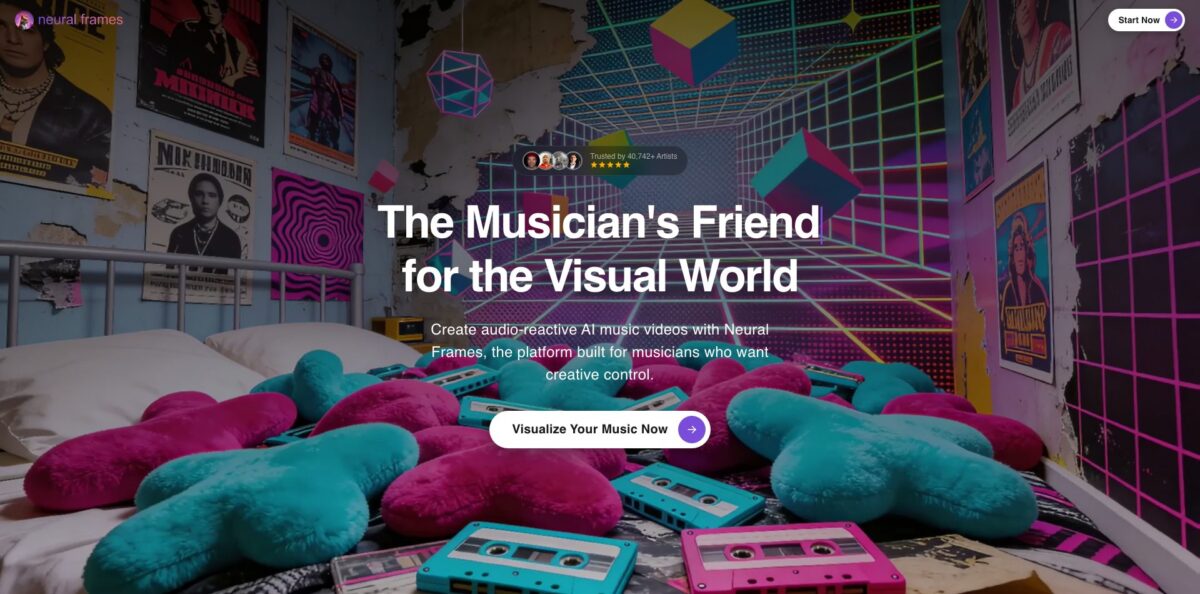
Neural Frames is a browser-based music video studio from a bootstrapped Berlin team, built around one input: your finished song. You upload a track, the audio engine splits it into eight stems, reads lyrics, key and tempo, and then drives video models such as Kling, Seedance, Runway and Stable Diffusion so the visuals cut and pulse with the music. It solves a familiar release problem for independent artists: a proper video or visualizer usually costs more than the single earns, and After Effects takes weeks to learn. The weak spot is cost predictability, because long Autopilot videos on premium models eat credits quickly, and character drift still shows up on longer tracks. Pick it if you release music regularly and want visuals that react to your own audio, not generic stock clips.
How to start using Neural Frames?
Create an account on neuralframes.com and open the Songs page. The homepage says you can start without a credit card, but release-ready output (longer renders, stem-based reactivity, 4K, no watermark) sits behind the paid plans, so treat the first session as a trial run. Upload your track as MP3, WAV or FLAC. If the song came from Suno, export the audio file first, since the workflow does not accept a Suno share link.
After the upload, check the song analysis. Neural Frames extracts the lyrics automatically, and misheard words will carry straight into a lyric video, so correct them before you go further. Then pick a route: Autopilot for a complete video, the Text-to-Video timeline for scene-by-scene work, or the Frame-by-Frame editor for abstract, audio-reactive animation. Templates such as Lipsync Pro, Lyric Video, Anime Dreamcut, Lofi Scapes and Loop Video give you a starting look.
In Autopilot, the AI builds a storyboard from the lyrics, mood and structure of the song. Review each scene, swap prompts you dislike, choose characters and set the beat-sync intensity. You can also refine scenes through chat, for example asking for a different outfit or background for your main character. Choose the video model last, because that choice decides most of the credit cost.
Render the video, which the Autopilot page puts at 10 to 15 minutes, then open it in the editor to trim clips, add transitions or re-render single scenes instead of the whole video. Export at the resolution your plan allows: 1080p upscaling on every plan, 4K on Neural Ninja and above. Use the horizontal-to-vertical conversion or Short-Form Studio if you also need Reels, Shorts or TikTok cuts.
Who is it for?
Independent musicians
You release singles every few weeks and cannot fund a shoot for each one. Autopilot turns the finished track into a storyboarded video in an afternoon, and you still get to fix the scenes that miss. Every release can ship with visuals instead of a static cover.
Electronic producers and DJs
Your music lives on drops, basslines and drum patterns, and generic visualizers ignore all of it. The stem-based modulation lets you map the kick to colour pulses or the bass to camera movement. The result looks built for the track, which matters for club screens and live sets.
Small labels
Producing visualizers for a whole roster usually means freelancers, revisions and invoices for every story post. A shared subscription with rollover credits lets one person produce clips for several artists. Turnaround drops from weeks to days, though someone still has to review every render.
AI music creators
If you write songs in Suno or similar tools, Neural Frames covers the missing visual half. You upload the exported audio and get lyric extraction, storyboards and audio sync without a second editing app. Check that your song licence allows the commercial use you plan.
Visual artists and VJs
The Frame-by-Frame editor works like a DAW for animation, with Stable Diffusion frames driven by audio parameters. You get trippy, morphing loops that are hard to build in conventional motion software. It rewards patience more than quick prompting.
Neural Frames pricing
Neural Frames sells monthly credit subscriptions, with a 33% discount for yearly billing. Credits arrive monthly even on annual plans, unused credits roll over up to 300% of your monthly allocation while the subscription stays active, and you can buy top-ups at any time. Failed generations cost nothing. Cost per video depends on length and model, and the pricing page includes a calculator for exactly that.
2,400 credits per month, 7 AI models, Autopilot, Short-Form Studio, horizontal-to-vertical conversion and 1080p upscaling. No 4K upscaling, and the company itself marks this plan as not recommended for Autopilot.
7,200 credits per month, all 10 AI models, 1080p and 4K upscaling. This is the plan Neural Frames recommends for full-length Autopilot videos.
24,000 credits per month, all 10 models, 4K upscaling and Priority Upscaling when demand is high. Built for studios and high-volume creators.
There is no blanket refund guarantee. Cancellation takes effect at the end of the paid period, and unused subscription credits expire when the subscription ends. The pricing page lists no free plan; the homepage describes a free starting workspace without a credit card, with watermarked, shorter output.
Neural Frames key features
Autopilot builds a full music video from a song
It analyses lyrics, key, tempo and mood, generates a storyboard, then batch-renders the clips in roughly 10 to 15 minutes. You can edit any scene afterwards and re-render just that clip.
Eight-stem audio reactivity separates drums, bass, vocals, melody and other elements, and exposes more than ten modulation parameters. You can tie colour, zoom, transitions or effect strength to a specific stem. The visuals follow the arrangement of the track rather than only its overall loudness.
A multi-model Text-to-Video timeline puts Kling, Seedance, Runway and other models in one editor with your audio underneath. You plan verses, choruses and drops on the timeline and pick a model per scene. That removes the export-import loop between separate generators and an editing app.
The Frame-by-Frame editor offers DAW-style, frame-level control over Stable Diffusion animation
It is the original Neural Frames product and still the best route to abstract, morphing visualizers. Expect a learning curve, which is why the team runs YouTube tutorials and live training sessions.
Custom models and character consistency let you train a character from 10 to 20 images, or a visual style from 50 to 100 images. The same face or mascot can then appear across scenes, videos and whole albums.
Lyric videos and lip sync generate the words inside the scenes, as lettering on walls or signs, instead of a subtitle layer. Lipsync Pro and the Emotional Singing template add vocal performance shots. If you need karaoke-style word highlighting, this workflow does not provide it.
Upscaling and social formats cover 1080p on every plan, 4K on Ninja and Nirvana, 25 fps export, and conversion from horizontal to vertical. Short-Form Studio produces clips for TikTok, Reels and YouTube Shorts from the same project. One render can feed every channel of a release campaign.
Neural Frames Pros & Cons
Pros
Neural Frames is one of the few video generators designed around audio from the first step. Stem separation, beat sync and lyric extraction happen automatically, so the video reacts to the actual song rather than to a prompt. You get three levels of control in one subscription, from a two-click Autopilot draft to frame-level animation, plus access to several leading video models without separate accounts. Credits roll over, failed renders are free, and you keep full commercial rights to the finished videos. Trustpilot reviewers frequently single out fast, generous support and free training calls. Start with a short song section to learn the editor before committing credits to a full track.
Cons
Credit consumption is the recurring pain point. Long Autopilot videos on premium models can exhaust a Knight allocation, and several reviewers felt surprised by how fast credits went or by recurring charges they had forgotten. Quality is uneven: users mention character drift, frozen frames, stiff lip sync and storyboard images that ignore the prompt, and content filtering is strict. There is no blanket refund policy, and unused credits expire when you cancel. Video length and quality also scale with your plan, so the cheapest tier gives a misleading picture of the product. Use the pricing calculator and render a short test clip before you subscribe yearly.
Use Neural Frames if you want…
- Turn finished songs into full music videos quickly.
- Sync visuals to drums, bass and vocals separately.
- Build lyric videos with words inside the scenes.
- Keep one artist character consistent across an album.
- Create trippy audio-reactive loops for live sets.
- Combine Kling, Seedance and Runway in one timeline.
- Cut vertical clips for Reels, Shorts and TikTok.
- Give Suno tracks a matching visual release.
Neural Frames alternatives




Neural Frames Reviews
Musicians with several finished videos describe the platform as intuitive and the quality as worth it, and many praise same-day support and free tutorial sessions, while still saying there is room for improvement.
Some users like the simple interface and impressive individual renders, but report character drift and stiff lip sync once the clips are assembled into a full video.
A number of negative reviews call it a credit drain, saying long songs used up their allocation before the video was finished; the company typically replies with explanations and refund offers.
Critics of Autopilot say storyboard images sometimes ignore the prompt and that content filtering is too strict for some creative ideas.
Long-time users on Product Hunt call it great for trippy, music-reactive animation and value that the developers keep shipping features, though they note it is not the cheapest option.
FAQ
Is Neural Frames free?
You can create an account and start without a credit card, but the pricing page lists only paid plans from $39/month. Longer renders, stem-based reactivity, 4K export and watermark-free videos require a subscription.
Do I own the videos I create?
Yes. Neural Frames claims no rights to finished videos, and you can publish, monetise and use them for client work, provided you hold the rights to the music and images you upload.
What happens to unused credits?
Unused subscription credits roll over up to 300% of your monthly allocation while the subscription is active. When the subscription ends, remaining subscription credits expire.
Which AI models does Neural Frames use?
The platform offers Kling, Seedance, Runway and Stable Diffusion, and the homepage also lists Veo 3. Neural Knight includes 7 models, while Neural Ninja and Neural Nirvana include all 10.
Can I use songs made with Suno?
Yes. Export the final song from Suno as MP3 or WAV and upload it on the Songs page; pasting a Suno link is not supported. Check that your Suno plan allows the use you intend.
Can I get a refund?
There is no blanket refund guarantee. If you subscribed to try the product, made only one project and are unhappy, support reviews requests individually.
What resolution can I export?
Every plan includes 1080p upscaling and 25 fps export. 4K upscaling requires Neural Ninja or Neural Nirvana, and Nirvana adds priority in the upscaling queue.
Does Neural Frames have an API?
There is no public self-serve API documentation. API access is requested through a form linked in the site footer.
Similar tools
 AIAIAll-in-one AI studio that puts Veo, Sora, Kling, Seedance and other models behind one credit balance for video, images, music and voice.
 ToMoviee AIWondershare's AI creative studio that turns text prompts and images into short videos, pictures, music, sound effects and voiceovers.
 Morph StudioBrowser AI video studio that runs Seedance, Kling, Veo and its own style transfer model, with a storyboard canvas for multi-shot clips.