

Onfido
AI AutomationUpdated October 5, 2026
Onfido automates global identity verification with AI and biometrics to ensure secure, compliant, and fraud-free digital onboarding.
We may earn a commission when you sign up through our links. It does not affect our reviews.
What is Onfido?
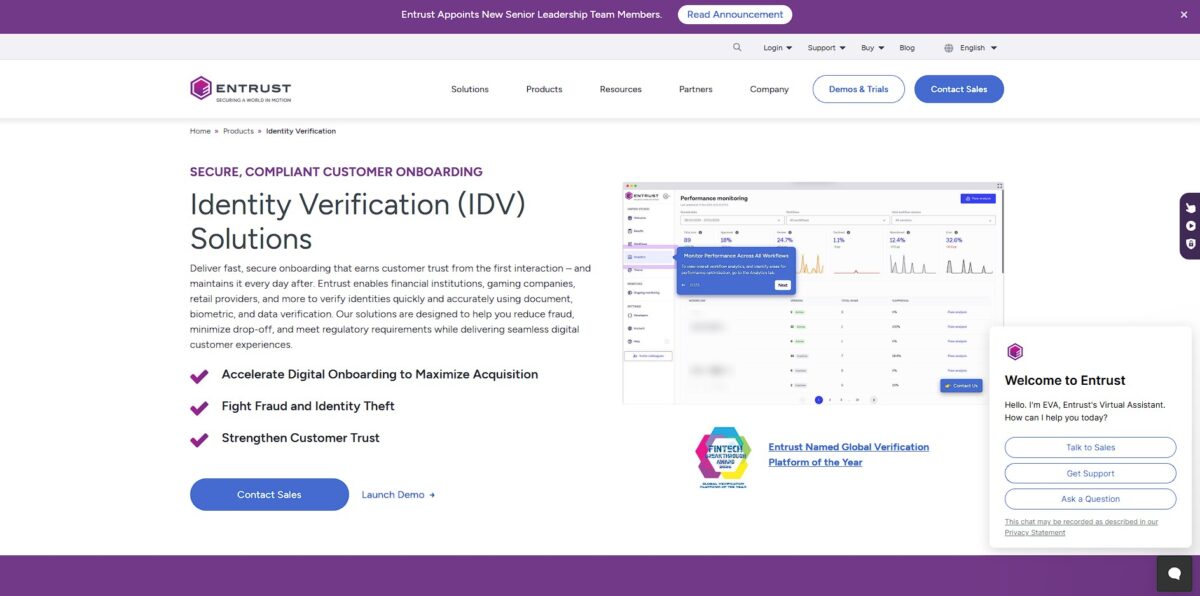
Onfido functions as an automated gatekeeper that matches a user’s physical ID against a live selfie to prove they are who they say they are. It replaces slow, manual document reviews with AI that flags forged passports or deepfake video injections in seconds. You’ve likely encountered it while opening a digital bank account; it handles the friction of scanning the front and back of a license while checking for glare or blurriness. This matters because it allows companies to onboard global users remotely without constant fear of identity theft or compliance failures. While it excels at mainstream government IDs, you might find it struggles with niche or emerging national e-IDs that haven’t been fully mapped yet. Use it to automate KYC workflows, but keep a small manual team ready for the edge cases the machine can’t quite decipher.
How to start using Onfido?
Jump into the Onfido Dashboard to grab your sandbox API and mobile SDK tokens. These are your tickets to testing without touching real data. You will need a backend to create an applicant, which requires a simple cURL command or an API call to generate a unique ID. This ID links every document upload to a specific person in your system. Doing it in this order prevents messy data, because every verification attempt has a clear owner before the camera even opens.
Add the SDK dependency to your project via CocoaPods, Swift Package Manager, or npm. If you are on iOS, you must update your Info.plist with camera and microphone descriptions, or Apple will reject your submission. I noticed that if you forget these keys, the app crashes the second the verification flow starts. Correct permissions mean a smoother experience for users and fewer frantic debugging sessions during deployment.
Configure the SDK using the applicant ID and your token. You can choose specific steps, like a simple document photo or a more rigorous face check. The SDK handles the heavy lifting of image capture, checking for blur or glare in real-time. This helps users get it right on the first try, reducing the number of rejected attempts your team has to review. Your onboarding funnel keeps moving while obvious fakes get caught.
Test your integration in the sandbox environment using sample document files provided in the documentation. Once the flow feels right, contact support to swap your sandbox credentials for live production tokens. You will need to handle callbacks to receive the final verification results on your server. Using the sandbox first lets you break things safely before you start processing actual government IDs.
Who is it for?
Fintech compliance leads
You need to onboard customers across borders without building custom verification stacks for every country. Onfido aggregates local data sources and document checks into one workflow. This cuts down the time you spend managing fragmented vendor contracts.
Gig economy ops managers
When you have thousands of couriers or cleaners signing up, manual ID review is impossible to scale. The automated document and selfie checks flag synthetic identities or account sharing in seconds. It prevents unqualified workers from using the platform while keeping sign-up fast for everyone else.
Neo-bank product owners
You want users to open accounts in minutes, not days, through a mobile app. The SDK embeds document capture directly into your flow so users don’t have to leave the app to verify their identity. This reduces the number of people who abandon their application because the process felt like a chore.
iGaming platform developers
Compliance requirements for age and identity verification are strict and constantly changing in the betting world. Onfido updates its logic to meet these evolving standards so you don’t have to rewrite your onboarding code every time a regulation shifts. It helps you stay legal without slowing down the deposit flow.
Marketplace trust and safety teams
You need to verify both buyers and sellers to stop fraud and bots from ruining the community. By checking real-world IDs against biometric data, you ensure that blocked scammers can’t just create a new profile with a fake name. It builds a baseline of accountability that encourages more transactions.
Onfido pricing
Onfido pricing follows a classic enterprise model where you won’t find a checkout button on their homepage. They target high-volume identity checks, so the cost scales with your growth. This approach suits fintechs needing predictable unit costs but leaves smaller startups in the dark without a custom quote.
The billing structure relies on custom contracts tailored to your verification volume and the specific services you toggle on. Expect to pay for what you use, often with minimum monthly commitments starting between $49 and $149 for lower tiers. While higher volumes usually trigger better per-check rates, the total cost climbs as you add modules like liveness detection or AML screening. In practice, that forces you to decide which verification steps your compliance actually needs. For businesses with fluctuating or low user numbers, the overhead of a fixed contract can feel restrictive compared to pure pay-as-you-go rivals.
Use the ROI calculator on their site to estimate savings against manual reviews before jumping into a sales call.
Onfido key features
Matches physical IDs against a global database of 2,500+ document types
That stops users from slipping through with obscure or expired foreign permits and spares your compliance team manual review fatigue.
Uses facial biometrics to ensure the person holding the ID is actually present
It detects 2D and 3D spoofs, like someone holding up a high-res photo or wearing a silicone mask. You stop identity theft at the front door before any data is processed.
Guides users through document capture with real-time feedback on glare or blur
Clearer initial photos mean fewer retries and less frustration for the customer. This reduces drop-off rates during the most sensitive part of onboarding.
Cross-references user data with global watchlists and PEP (Politically Exposed Persons) databases
It flags potential legal risks automatically so you don’t have to hire a massive audit team. This protects your business from heavy regulatory fines.
Integrates via a mobile SDK that handles the heavy lifting of image processing locally
It keeps the heavy data usage off your servers while providing a native feel. You get a secure verification loop without building complex vision models from scratch.
Automates the “Know Your Customer” (KYC) flow with a logic engine that adapts to different jurisdictions
It applies different rules for a user in the UK versus one in Brazil without needing multiple codebases. This allows you to scale into new markets in days rather than months.
Onfido Pros & Cons
Pros
Onfido excels at high-volume, international identity checks by covering over 2,500 document types across 195 countries. The no-code Workflow Studio allows non-developers to adjust verification rules or A/B test document sequences without a single code release. Its SDKs handle the annoying bits of mobile capture, like automatically reducing glare and blur to prevent failed uploads. This matters because faster, cleaner data entry reduces the chance of users abandoning your signup flow out of frustration. Pick this if you need enterprise-level scalability and a library of SDKs for every major mobile framework.
Cons
The pricing can feel like a black box for startups, with costs quickly scaling as you hit manual review overages or add fraud investigation features. While the AI handles the bulk of the work, processing times can vary, sometimes taking 60 seconds or longer for a single check. I noticed that the dashboard analytics are a bit high-level, making it difficult to dig into specific reasons why certain groups of users are being flagged. The trade-off is a platform that favors regulatory compliance over raw processing speed. Only commit if your team has the budget for premium support and doesn’t mind a “one size fits all” approach to problem-solving.
Use Onfido if you want…
- Automate global identity verification with AI precision.
- Reduce user friction during digital onboarding flows.
- Stop sophisticated deepfake and synthetic identity fraud.
- Stay on top of AML and KYC regulatory compliance.
- Validate government-issued documents from 195+ countries instantly.
- Integrate biometric liveness checks into your mobile SDK.
- Scale verification volume without increasing manual reviews.
- Build trust with secure, privacy-first customer authentication.
Onfido alternatives
Onfido Reviews
Smooth integration. Onboarding time dropped from days to minutes.
Reliable facial recognition but document OCR occasionally flags valid IDs.
Great for compliance. Dashboard analytics could be more granular.
Solid SDK. Sometimes slow processing, but the support team is responsive.
Effective fraud prevention. User-friendly interface for our customers.
FAQ
What identity documents are supported for verification?
Onfido supports over 2,500 document types across 195 countries, including passports, driving licenses, national identity cards, and residence permits.
How long does an identity check take?
While response times can vary depending on the complexity of the case, many automated document and biometric checks are completed in seconds to keep onboarding smooth.
Does Onfido use human reviewers?
Yes, Onfido uses a hybrid approach that combines artificial intelligence and machine learning with a global team of human experts to ensure high accuracy and fraud detection.
What is the difference between a selfie and a video liveness check?
A selfie check compares a static photo of the user to their ID, while a video liveness check requires the user to perform specific movements or actions to prove they are physically present and prevent deepfake or spoofing attacks.
Is Onfido compliant with KYC and AML regulations?
Yes, Onfido is designed to help businesses meet global regulatory standards, including Know Your Customer and Anti-Money Laundering requirements, through auditable verification processes.
Can Onfido verify an applicant’s address?
Yes, Onfido offers a Proof of Address report that reviews uploaded documents like utility bills or bank statements to verify an individual’s current residence.
Similar tools
 GPT WorkspaceAI agent for Google Docs, Sheets, Slides, Gmail and Drive that edits your files, runs GPT formulas in bulk and automates routine
 FPT.AIVietnamese enterprise AI platform from FPT Smart Cloud for chatbots, call-center voicebots, document reading and eKYC that automate customer operations.
 Frigate NVROpen-source NVR that runs real-time AI object detection on your own hardware and sends camera events to Home Assistant and other MQTT