

OnSpace.AI
No-Code AIUpdated October 26, 2026
No-code AI app builder that turns chat prompts into React Native iOS and Android apps or web apps, with a managed backend, Stripe and App Store publishing.
We may earn a commission when you sign up through our links. It does not affect our reviews.
What is OnSpace.AI?
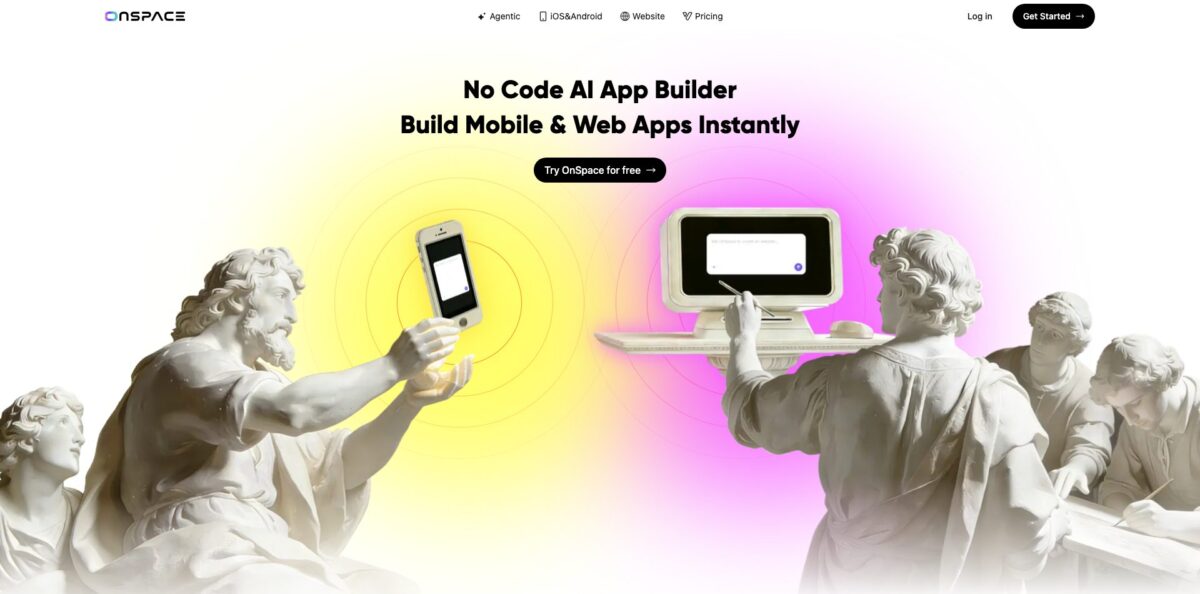
OnSpace.AI is a chat-driven app builder from SoulZ AI Inc. that writes React Native and Expo code for iOS and Android, plus React code for web apps, from plain-language prompts. You describe the product, the agent generates screens and logic, and a built-in backend called Cloud adds user login, a PostgreSQL database, file storage and edge functions without any server setup. Its real pitch is the last mile of mobile: it builds Android APK and AAB files and can submit an iOS build to Apple for review, steps that usually stop non-developers cold. The weak spot is reliability on larger projects, where users report credits burning on repeated fix attempts and publishing errors. Take it if you want a native-feeling mobile MVP fast and you can keep the scope tight.
How to start using OnSpace.AI?
Sign up for free on the website or install the OnSpace creator app from the App Store or Google Play. The Free plan gives you public projects, the iOS, Android and web builder, the usage-based Agent mode and the code editor. Pick the project type first: the mobile builder targets React Native and Expo, while the website builder produces a React web app. You can start from a text prompt, attach sketches or mockups, or paste a public Figma link through the Figma button under the chat box.
Write a first prompt that answers the questions the quick-start guide asks: core concept, target user, the specific actions users take, visual direction and platform. A prompt like “a meditation app for stressed college students with guided sessions, mood tracking and offline content, soft purple gradients, built with Expo” gets you much closer than “build me a fitness app”. OnSpace then generates the first version and shows it in a live preview.
Refine in small steps. The docs recommend changing one thing per message, because stacking several requests in one prompt tends to produce compounding errors. When something breaks, the Runtime Scanner toggle turns on Scanner Agent, which lists runtime errors with Fix All and Fix Now buttons. If you need a database, ask for it in chat and Cloud is wired in automatically, or connect your own Supabase project instead. Code Mode lets you open the source and edit it directly.
To test on a real phone, scan the QR code or open the project in the OnSpace mobile app. When you are happy, Publish puts a web project live on an onspace.app address. For Android, Download gives you an APK or AAB at 500 credits per build. For iOS, Publish to App Store asks for your own Apple Developer account, costs 1,000 credits and submits the build for Apple review.
Who is it for?
Non-technical founders
You have a mobile app idea and no budget for an agency. OnSpace gets you a working React Native prototype you can put on your own phone and show to early users or investors. The App Store submission flow removes the Xcode and certificate step that usually needs a developer.
Creators building AI micro-apps
You want a shareable tool like an ID photo generator, a room redesigner or a short-video ad maker. Built-in access to GPT-5, Gemini 2.5, Sora 2 and Veo 3.1 means no API keys to manage. You describe the tool and ship a link the same day.
Small business owners
You need a booking, loyalty or ordering app for your customers. Stripe and RevenueCat integrations let the app take payments or subscriptions, and Cloud handles logins and data. It suits simple apps; complex workflows may need outside help.
Designers
Your screens already live in Figma and you want them clickable and connected to data. The Figma import turns a public file into a full-stack project you keep editing in chat. The result is a working prototype rather than a static mockup.
Teachers and students
You want to build class tools or learn how apps are put together without first learning to code. The generated code is visible in Code Mode and syncs to GitHub, so curious learners can read what the AI wrote. The free tier is enough for small experiments.
Freelancers and agencies
You need fast client prototypes on both mobile platforms. Export through GitHub means a developer can take over the codebase later. Private projects and custom domains require Pro.
OnSpace.AI pricing
OnSpace runs on credits. Every chat request in Agent mode consumes credits based on its complexity, and platform actions have fixed prices: an APK or AAB build costs 500 credits, an App Store submission 1,000 credits. Pro is a single plan sold in nine credit sizes, with roughly a 16% discount for annual billing. Unused credits roll over while your subscription is active and expire at the end of the billing period after you cancel. Built-in AI features inside your app draw from a separate AI balance, with 300 free monthly AI tokens per workspace.
Public projects, the iOS, Android and web builder, usage-based Agent mode and the code editor. The pricing page FAQ describes 500 daily credits capped at 2,000 per month, while the fee-plan docs describe the free tier as 500 credits, so check your account after signing up.
Adds advanced AI coding models, private projects, badge removal, custom domains, APK download, fast-track generation and credit rollovers.
$50/month, or $504/year ($42/month).
$100/month, or $1,008/year ($84/month).
$200/month, or $2,004/year ($167/month).
$270/month or $2,748/year ($229/month), and $350/month or $3,540/year ($295/month).
$700/month ($7,056/year), $995/month ($10,152/year) and $1,299/month ($13,248/year) for 240,000, 360,000 and 480,000 credits.
Custom. Everything in Pro plus default exclusion from training data, priority queue access, SSO and a dedicated customer service team.
Extra credit bundles can be bought as top-ups at any time.
OnSpace.AI key features
Prompt-to-native mobile apps generate React Native and Expo projects from chat, so one build runs on both iOS and Android. You preview on a real device through a QR code or the OnSpace mobile app while the agent keeps editing. That gives you a phone-first prototype instead of a web page squeezed into a mobile frame.
Store publishing covers the steps non-developers usually cannot finish
Publish to App Store builds the iOS binary, handles the bundle identifier and submits it for review with your Apple Developer account, and the Store Submissions dashboard tracks status. Android gets APK files for sharing and AAB files for Google Play Console, though direct Google Play publishing is not supported yet.
Cloud, the built-in backend (still labelled Alpha), provides OTP and password login, Sign in with Apple, a managed PostgreSQL database with row level security, file storage, edge functions, secrets and logs. Authentication email templates and your own SMTP server can be configured too. Prefer your own stack? The Supabase integration plugs in instead.
Built-in AI models let the apps you build call GPT-5, GPT-5 Mini, Gemini 2.5 Pro and Flash, Gemini image models, Sora 2 and Veo 3.1 without supplying API keys. OnSpace wires the integration when you ask for an AI feature in chat.
Payments come through Stripe for web and app checkout, and RevenueCat for subscriptions and in-app purchases on iOS
You describe the pricing you want and the agent generates payment screens and backend logic. You still need your own Stripe, RevenueCat and App Store Connect accounts.
Code ownership is real: Code Mode shows and edits the full source, and the GitHub integration syncs changes both ways with full version history. You can download the project or deploy it to Vercel, Netlify or AWS. That makes OnSpace less of a lock-in than many no-code builders.
Scanner Agent watches the running app in a cloud sandbox, lists runtime errors and offers Fix All or per-error Fix Now
An AI Fix button also exists for failed APK and AAB builds. It shortens debugging, although every fix attempt costs credits.
OnSpace.AI Pros & Cons
Pros
OnSpace goes further toward a shipped mobile app than most prompt-to-app tools. It outputs real React Native and Expo code, builds APK and AAB files in about two minutes, and submits iOS builds to Apple without Xcode. The managed backend, Stripe and RevenueCat hooks, and built-in access to GPT-5, Gemini, Sora 2 and Veo cover most of what an MVP needs. GitHub sync and code download mean you own what you build and can hand it to a developer later. Building from the phone app is handy for quick edits. Start with a narrow, single-purpose app to see the platform at its best.
Cons
User sentiment is rough: Trustpilot shows a 1.8 TrustScore from 17 reviews and the Google Play rating sits at 2.9. Recurring complaints are credits draining fast on repeated fixes, apps that work in preview but fail at publishing, and support that is slow or silent. The free tier rules have changed, and the official pages describe them differently. Cloud is still Alpha, team collaboration runs only through GitHub, and Google Play publishing is manual. Connect GitHub on day one so every working version is backed up outside the platform.
Use OnSpace.AI if you want…
- Build iOS and Android apps without writing code.
- Submit an iOS build to the App Store without Xcode.
- Generate Android APK and AAB files from chat.
- Add login, database and storage without managing servers.
- Ship AI tools powered by Sora 2 or Veo.
- Charge users through Stripe or in-app subscriptions.
- Turn a public Figma design into a working app.
- Keep full ownership of code through GitHub sync.
- Edit your app from your phone on the go.
OnSpace.AI alternatives



OnSpace.AI Reviews
One App Store reviewer ran the same prompt through three AI builders and says only OnSpace returned a usable app, then went on to generate its backend while the others stalled.
A non-coder on the App Store credits the platform with handling nearly all the development and debugging of a first app, which was submitted to Apple for review; the reviewer also thanked support.
Several App Store and Trustpilot users say the AI looks capable early, but code quality slips as the project grows and credits disappear in loops of claimed fixes that do not stick.
Reviewers repeatedly report that apps run fine in preview but break when publishing, and that support tickets and refund requests go unanswered for days.
A Trustpilot user liked the features and got an MVP built, struggled to make later changes and lost a chunk of credits, but raised the rating after the website builder worked well and goodwill credits arrived.
FAQ
Is OnSpace.AI free?
Yes, there is a Free plan with public projects, the iOS, Android and web builder, Agent mode and the code editor. The free credit allowance is limited and has changed over time, so check the current figure in your account.
Do I own the code OnSpace generates?
Yes. OnSpace states you keep full ownership, and you can download the project or sync it to your own GitHub repository and host it anywhere.
Can OnSpace publish my app to the App Store and Google Play?
It can submit iOS builds directly to App Store review for 1,000 credits, using your own Apple Developer account. Direct Google Play publishing is not supported; you download an AAB file and upload it in Google Play Console yourself.
What technology does OnSpace use?
Mobile projects are React Native with Expo, and web projects are React. The backend runs on OnSpace Cloud or your own Supabase project, both built on PostgreSQL.
What happens to my credits if I cancel?
Unused credits roll over while your subscription is active. After cancellation, all unused and rolled-over credits expire at the end of the current billing period.
Can I work on a project with a team?
Native collaboration is still in development. For now, OnSpace suggests connecting the project to GitHub and inviting collaborators there.
Is my data used to train AI models?
Default exclusion from training data is listed as an Enterprise feature. If that matters on Free or Pro, review the privacy policy and terms before uploading sensitive material.
Can I add AI features to the apps I build?
Yes. Built-in AI is on by default and gives your app access to models such as GPT-5, Gemini 2.5, Sora 2 and Veo 3.1 without API keys, billed from a separate AI balance with 300 free monthly tokens per workspace.
Similar tools
 MindflowNo-code and agentic automation platform for SecOps, ITOps and CloudOps teams that turns prompts into workflows across thousands of tool APIs.
 Jet AdminAI and no-code builder for internal tools, admin panels, dashboards and client portals that runs on top of your existing databases and
 UserflowNo-code product adoption platform for building in-app tours, checklists and surveys, with AI flow generation and an in-app Adoption Agent.