

Pika
Video GenerationUpdated October 19, 2026
AI video generator and creative platform with 25+ apps for making and editing video, images and sound on Pika 2.5, Seedance and other top models.
We may earn a commission when you sign up through our links. It does not affect our reviews.
What is Pika?
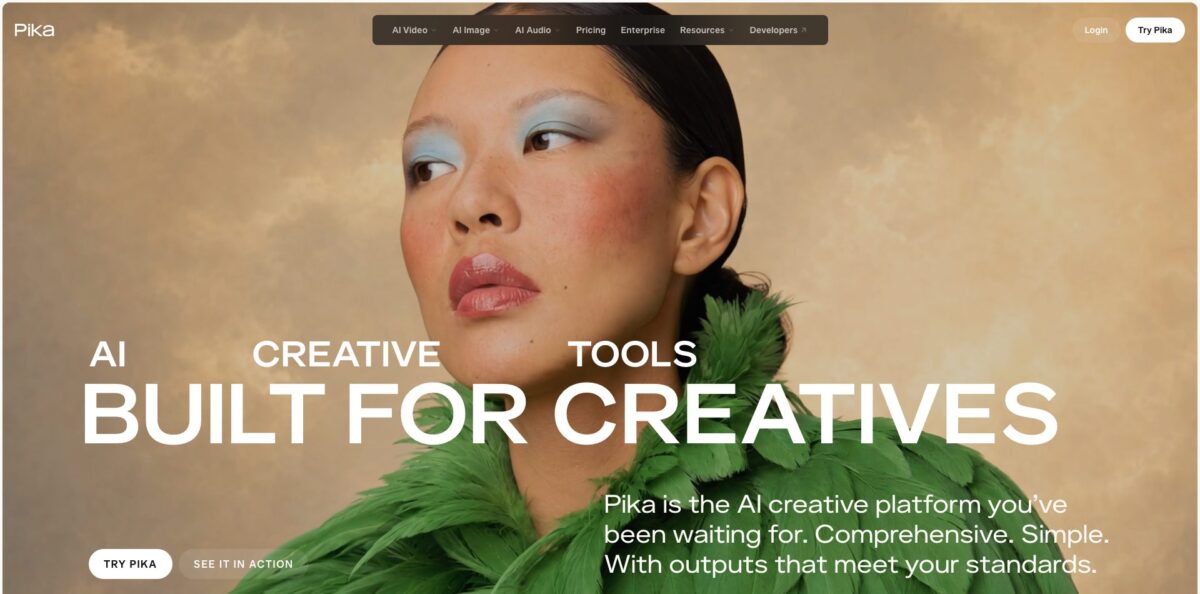
Pika is a browser-based AI video generator that grew from a single text-to-video model into a full creative platform for video, images and sound. Since its September 2026 relaunch, it puts 25+ focused apps (Video Studio, Swap Anything, Camera Director, Product Shot, Pika Soundtrack and others) on top of its own Pika 2.5 model and partner models such as Seedance 2.5, MiniMax H3, Wan 3.0, GPT Image 2.5 and Nano Banana 2. Each app picks a suitable model automatically, though you can still choose one yourself. That removes the usual juggling of separate subscriptions and model comparisons. The weak spot is the credit system: every attempt costs credits, failed or not, and premium models like Seedance burn through a plan quickly. Pika suits social creators, marketers and small studios who want short, polished clips and are fine with budgeting credits.
How to start using Pika?
Sign up at create.pika.art with an email address. The Free plan gives you access to every model and app, but it comes with 0 monthly credits, so you either buy a credit pack (from $25 for 1,500 credits) or subscribe to Starter before you can render anything substantial. If you used the old Pika, your login and plan carry over, and paid subscribers find past generations in an “OG Pika” project. The previous interface stays at old.pika.art for a limited transition period.
For a first real clip, open Video Studio. Attach references for characters, products, settings or styles (up to 50 of them), then @mention each one in your prompt to say how it should be used. Describe what happens in the scene, and Pika generates anything from a short clip to a multi-shot video of up to 30 seconds, with sound included. If you only want to animate a photo, the Pika 2.5 app is cheaper: about 20 credits for a 5-second 720p clip.
Before generating, look at the settings row. Pika 2.5 renders at 720p or 1080p; 720p is meant for exploring and 1080p for keepers. In Frames mode you attach two to five stills, and each consecutive pair becomes a transition of one to five seconds. Pika 2.5 renders silent clips, so plan to add audio later with Pika Soundtrack, which scores a finished clip with music, ambience and foley matched to the action.
When a result works, use the follow-up tools instead of starting over: Extend Video adds frames, Upscale raises resolution, Relight Media rebuilds lighting, and Color Grade adjusts the mood. If motion looks wrong, change one part of the prompt at a time so you can see which edit fixed the shot. Check the credit estimate shown next to the Generate button before every render.
Who is it for?
Social media creators
You need eye-catching short clips every day without learning editing software. Pika’s one-tap Pikaffects, Motion Transfer and Video Studio turn a photo or a prompt into a finished clip with sound, and no plan adds a watermark.
E-commerce and DTC marketers
Product photography and ad production eat your budget. Product Shot turns a phone photo of a product into styled campaign imagery, and Product Ad builds a complete ad from one image and a short brief.
Video editors and post-production teams
Clients ask for changes after the shoot is done. Swap Anything recasts people, wardrobe, props or settings while keeping the original timing and performance, and Camera Director reshoots an existing scene from a new angle.
Ad agencies running many variants
You produce dozens of versions per campaign and model costs add up. Pika claims Seedance generations cost half of what other creation platforms charge, and the Creator plan adds a commercial license and 8 parallel video jobs.
Developers building media features
You want video, image and audio models in your own app without integrating ten providers. The Pika API Club gives one API to 100+ models for a $10 monthly membership plus pay-as-you-go usage.
Pika pricing
Pika runs on credits. Every generation costs a set number of credits depending on model, resolution and length: on the official pricing page a 5-second 720p Seedance 2.5 clip costs 122 credits, a Wan 3.0 clip 33 credits, a 1K Nano Banana 2 image 8 credits and a GPT Image 2.5 image 2 credits. All plans include every model and app; plans differ only in credits, parallel generations, licensing and queue priority. Plan credits reset each billing period and do not roll over. Yearly billing saves 20%.
0 monthly credits (credit packs only), all models, 2 parallel video plus 2 image and audio generations, no watermark, no commercial license.
900 credits per month (about 7 Seedance 2.5 clips or 27 Wan 3.0 clips), 2 parallel video and 8 image or audio generations, no watermark, no commercial license.
3,150 credits per month (about 25 Seedance 2.5 clips), 8 parallel video and 32 image or audio generations, commercial license included.
Unlimited parallel generations, commercial license, priority queue, and early access to new models from the $440/month tier.
Custom. Custom credit volume, unlimited parallel generations, commercial license, early access and dedicated support for studios and teams.
Top-up credits expire 365 days after purchase and work only on pika.art and Pika MCP, not in the API, the iOS app or old.pika.art.
$10/month membership with a $10 credit for the first month, then pay-as-you-go model pricing at member rates.
Payments are non-refundable, and if you cancel, your plan stays active until the end of the billing period before dropping to Free.
Pika key features
Video Studio: You attach up to 50 references (characters, products, settings, styles) and @mention them in the prompt
Pika then generates a single shot or a multi-shot video of up to 30 seconds with sound. This gives you far more control over consistency than a bare prompt box.
Pika 2.5 model with Frames: Pika’s own model turns a photo into a 5 or 10 second clip, writes a 5-second shot from text alone, or animates between two to five ordered keyframes. Output is 720p or 1080p, except five-keyframe sequences, which render at 720p. It is the cheapest way to animate stills on the platform.
Multi-model access on every plan: Seedance 2.5, MiniMax H3, Wan 3.0, Kling 3.0, Veo 3.1, Gemini Omni Flash, GPT Image 2.5, Nano Banana 2, Seedream 5 and ElevenLabs voices sit in one account. Apps pick a model automatically, or you choose manually. You avoid paying for several separate subscriptions.
Post-production apps: Swap Anything changes cast, wardrobe, props or setting while keeping the original motion and timing. Camera Director reframes a scene from wide to close-up, Relight Media rebuilds light and shadow, and Extend Video lengthens a clip. These tools fix footage you already have instead of forcing a full regeneration.
Pika audio models: Pika Music generates tracks from text, lyrics or a reference voice, Pika Speech handles voiceover, Pika SFX creates sound effects, and Pika Soundtrack scores a whole clip with motion-aware music, ambience and foley. You can finish a video with sound without leaving the platform.
Pika MCP and ChatGPT app: One MCP server (mcp.pika.art/mcp) connects ChatGPT, Claude, Claude Code, Codex, OpenClaw and Hermes to 57 Pika apps and models. You describe what you need in chat, and the assistant runs the right app. Top-up credits work here too.
Pika API Club: Developers get one API for 100+ video, image, audio and LLM models at member pricing, with onboarding prompts for Claude Code, Codex, Cursor, Lovable, Replit and ChatGPT. API outputs are licensed for commercial use.
Pika Pros & Cons
Pros
Pika gives you one account for most of the leading video, image and audio models, and it does not lock the best ones behind higher tiers: even Starter users get Seedance 2.5 and Kling 3.0. The apps are built around concrete jobs, such as product ads, recasting a clip, relighting or reframing a shot, so you spend less time writing long prompts. Video Studio’s reference system with @mentions helps keep characters and products consistent across shots, and built-in audio means a clip can leave Pika finished. Pricing is published per model in credits, no plan adds a watermark, and the MCP connection lets you run Pika from ChatGPT or Claude. Start with the cheaper models to learn how each app responds before switching to premium ones.
Cons
Credits drain fast on premium models: Starter’s 900 credits cover only about seven 5-second Seedance 2.5 clips at 720p, and every retry costs the same. App Store reviewers report credits deducted for failed generations and renders stuck in “generating” for long periods. Commercial use requires Creator or higher, payments are non-refundable, and top-up credits cannot be spent in the API, the iOS app or the legacy interface. Several users also describe slow or missing replies from support on billing issues. The September 2026 relaunch is new, so the help center still describes older models and plan names. Keep a record of failed generations and contact support quickly if credits are not returned.
Use Pika if you want…
- Turn product photos into styled ad creatives.
- Animate still images into short 1080p clips.
- Build multi-shot videos up to 30 seconds long.
- Swap actors, props or settings in existing footage.
- Reshoot a scene from new camera angles.
- Score finished clips with music and sound effects.
- Access Seedance, Kling and Veo in one account.
- Generate media from ChatGPT or Claude via MCP.
- Add video generation to your app through one API.
Pika alternatives
 RunwayRead review →
 Kling AIRead review →
 PixVerseRead review →
 Vidu AIRead review →
 Hailuo AIRead review →
 KreaRead review →
 InVideoRead review →
 Leonardo.aiRead review →
Pika Reviews
Animating caricatures and pet photos into funny little scenes works really well, and the results bring the characters to life. Crisp animation and good prompt response make it an affordable way for beginners to learn AI video.
Visual quality is strong and character designs stay fairly consistent across clips, but the model often ignores simple actions described in the prompt, and the instructions and support could be better.
Credits were deducted for several videos that never finished generating, and there was no easy way to get them restored. Some prompts stayed stuck on “generating” for weeks.
Billing problems are the biggest frustration: one annual subscriber reports being charged extra every month and getting no reply from support after repeated attempts.
Fun and easy to use, and it lets you make a test video before paying, which many competing apps do not allow.
FAQ
Is Pika free to use?
There is a Free plan with access to all models and apps, but it includes 0 monthly credits. To generate, you buy a credit pack (from $25 for 1,500 credits) or subscribe to a paid plan starting at $10/month.
Can I use Pika videos commercially?
A commercial license is included on the Creator, Fancy and Enterprise plans. Free and Starter outputs are not licensed for commercial use, while outputs created through the Pika API are licensed for commercial use under the API agreement.
Do Pika credits roll over?
Plan credits refresh each billing period and do not roll over. Credits bought as top-ups carry over and expire 365 days after purchase.
Does Pika generate sound?
Video Studio creates clips with sound included. Pika 2.5 renders silent video, but you can add audio with Pika Soundtrack, Pika SFX, Pika Music or Pika Speech.
How do I cancel my Pika subscription?
Cancel any time from the Subscription page. Your plan stays active until the end of the current billing period and then moves to Free; payments are non-refundable.
Are my Pika creations private?
According to Pika’s help center, other people only see your videos if you share them, but Pika may select videos created after its November 29, 2024 terms update for its public Templates page. You can delete any video you do not want featured.
Does Pika have an API?
Yes. The Pika API Club gives access to 100+ video, image, audio and LLM models through one API for a $10 monthly membership plus pay-as-you-go usage, with custom enterprise plans available.
Is there a Pika mobile app?
Yes, Pika has an iOS app called Pika - AI Video. Note that top-up credits bought on pika.art cannot be used in the iOS app.
Similar tools
 AIAIAll-in-one AI studio that puts Veo, Sora, Kling, Seedance and other models behind one credit balance for video, images, music and voice.
 ToMoviee AIWondershare's AI creative studio that turns text prompts and images into short videos, pictures, music, sound effects and voiceovers.
 Morph StudioBrowser AI video studio that runs Seedance, Kling, Veo and its own style transfer model, with a storyboard canvas for multi-shot clips.