
Veo3.1
Video GenerationUpdated October 5, 2026
Google's advanced AI video generator creates high-quality 4K visuals with cinematic motion, synced audio, and consistent character storytelling.
We may earn a commission when you sign up through our links. It does not affect our reviews.
What is Veo3.1?
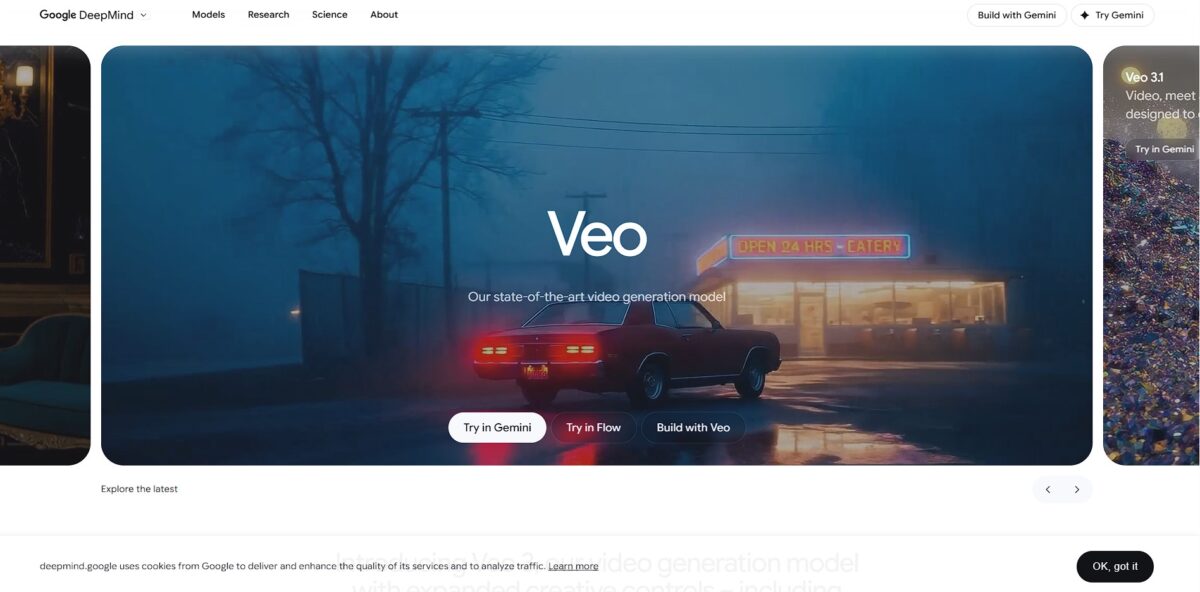
Veo3.1 renders 4K cinematic video by interpreting complex physical interactions and camera movements that usually trip up basic generators. It handles fluid motion and lighting transitions well, making it easier for editors to build consistent scenes without constant manual patching. I noticed it holds consistency across long pans, which is a significant win for narrative flow. While it pushes visual boundaries, it might feel overkill if you only need quick social clips. This matters because it bridges the gap between AI concepts and usable footage for high-end production. Stick to Veo3.1 when your project demands realistic physics and spatial accuracy over simple stylized motion.
How to start using Veo3.1?
Access starts at the Gemini app or Google AI Studio. Sign in with your Google account to find the video generation tab. This entry point works well for quick experiments but feels restrictive if you need deep API integration immediately. Using a familiar interface means you spend less time learning a new UI and more time testing prompts.
Input your scene description into the prompt field. Describe camera movement, like a slow dolly in or a wide-angle lens, to ground the physics. Being literal about lighting—mentioning “harsh midday sun” or “flickering neon”—drastically reduces the chance of flat, artificial textures. Direct control over visual style allows for cinematic results without needing a physical set.
Try the “First and Last Frame” feature for controlled transitions. Upload two images to define where the movement begins and ends. This solves the common AI headache of subjects morphing into blobs during long pans. Precise start-and-end points turn a random generation into a deliberate narrative beat.
If you are a developer, grab an API key from AI Studio to run Python scripts. The GenAI SDK lets you automate batch rendering for social media assets or app backgrounds. That moves video creation out of a manual chat box and into a scalable production pipeline.
Who is it for?
Creative Directors
Veo3.1 delivers cinematic 4K visuals that actually follow complex physics. It’s great for high-end storyboarding but overkill for simple social media clips. You get realistic lighting and motion without fighting the model for hours.
Independent Filmmakers
You can execute tracking shots and pans with precise camera controls. It helps a tight budget stretch toward a grand vision, since you skip expensive location shoots for short b-roll sequences.
Marketing Agencies
Rapidly prototype ad concepts with consistent brand visuals. It excels at specific prompt adherence, though it might struggle with very niche technical jargon. The feedback loop between a script and a visual draft gets shorter.
YouTube Creators
Generate high-fidelity backgrounds or intro sequences that look professional. It handles wide-angle landscapes better than tight character close-ups. That raises production value without a dedicated VFX team.
UI/UX Designers
Prototype motion graphics for apps using just text descriptions. It shortens the path from a static mockup to a living interface, so you can test how a user flow feels before writing a single line of animation code.
Veo3.1 pricing
Google structures Veo 3.1 pricing as a choice between subscription convenience and raw API utility. You can either pay a flat monthly fee for a predictable bucket of credits or go the metered route, paying only for the seconds you render.
Google AI Plus costs $7.99 per month. It allows about 10 clips using the Fast model. This works for hobbyists who want better video without a heavy bill. For casual social media creators, it’s a cheap entry point.
Google AI Pro sits at $19.99 per month. You get 1,000 credits, which covers roughly 90 seconds of footage. The resolution stays at 720p on this tier, but you can prototype concepts daily without hitting immediate walls.
Google AI Ultra demands $249.99 per month. This is the only way to get 4K resolution and the Quality model through a subscription. It bundles 30 TB of storage and priority rendering queues. Professional teams can skip wait times during tight deadlines.
The API charges $0.15 per second for Fast and $0.40 per second for Standard. Metered billing fits developers building apps that generate video on demand. You avoid paying for a monthly plan during slow periods.
Veo3.1 key features
Render cinematic 4K visuals that respect gravity and momentum
While other models make objects float or morph, Veo3.1 ensures a falling cup bounces or shatters realistically. You spend less time fixing “hallucinated” physics in post-production.
Execute precise camera pans and tracking shots through text instructions
You can request a “slow dolly zoom” or a “handheld shake” to match your film’s specific language. In testing, the model held the horizon steady during complex 180-degree rotations, which gives you usable footage for narrative storyboarding without manual tracking.
Sync 10ms audio directly to visual cues like lip movements or footsteps
This eliminates the need to dig through external sound libraries for basic ambient noise or dialogue. Generation takes slightly longer, but the timing is usually frame-perfect. Why this matters: you get a self-contained, watchable draft in one pass.
Lock in character appearance using reference images to prevent facial warping
Upload a “First Frame” to ensure your protagonist looks the same from start to finish. This solves the common pain point of AI characters looking like different people between cuts. That matters because it allows for actual serialized storytelling.
Extend 8-second clips into longer sequences using scene continuation
You can feed the last frame of a generation back into the prompt to keep the action moving. Spatial drift stays minimal if you keep the camera movement consistent. For experimental filmmaking, that breaks the “short clip” barrier.
Automate bulk video production via the Google AI Studio API
Developers can script the creation of hundreds of b-roll variations using Python. This works well for scaling creative assets, though it requires some technical lifting. AI video stops being a novelty chat box and becomes part of a professional production pipeline.
Veo3.1 Pros & Cons
Pros
Veo3.1 nails the cinematic look with 4K textures and 10ms audio-visual sync. It handles physics like weight and momentum better than previous iterations, so falling objects look right. I noticed it excels at “talking head” shots where lip-sync usually fails in other tools. Integrated audio means you don’t need external libraries for ambient noise or dialogue. The scenes come out self-contained and feel finished immediately. Use the “Fast” model for storyboarding to save on your credit burn.
Cons
Control feels like a roll of the dice since there’s no timeline or manual camera tracking. Fine print and logos often warp into unreadable artifacts during 360-degree rotations. Small prompt tweaks can trigger wildly different results, making character consistency a chore for longer narratives. The $250 monthly entry point for the Ultra plan is a steep barrier for individual creators. The trade-off for high fidelity is a 25% increase in generation time when audio is active. Stick to 8-second clips; longer extensions still struggle with spatial drift.
Use Veo3.1 if you want…
- Generate cinematic 4K video from simple text prompts.
- Control camera movements with precise, professional-grade tools.
- Ensure realistic physics and motion in every frame.
- Create consistent characters across multiple video sequences.
- Edit existing footage using natural language instructions.
- Minimize visual artifacts for clean, high-fidelity results.
- Experience state-of-the-art video generation from Google DeepMind.
Veo3.1 alternatives
 Kling AIRead review →
 Runway Gen-4Read review →
 Wan 2.5Read review →
 Hailuo AI (MiniMax)Read review →
 PikaRead review →
 PixVerseRead review →
 InVideo AIRead review →
Veo3.1 Reviews
I’m impressed by the lip-sync accuracy for my talking-head clips, but the physics occasionally glitch during complex movements. It’s a solid production tool if you don’t mind a few regenerations to get the weight and momentum right.
The native audio generation is a game-changer for my social media workflow, saving me tons of time in post-production. While it handles landscapes beautifully, small object details can still look a bit soft and “AI-ish” under close inspection.
Veo 3.1 gives me much better prompt control than Sora, making it easier to nail specific cinematic compositions. However, the 8-second limit is frustrating, and the character consistency still requires quite a bit of manual babysitting.
FAQ
Can I use Veo 3.1 videos for commercial purposes?
Yes, videos generated with Veo 3.1 are cleared for business use, including commercial ads, landing pages, and social media campaigns, with users maintaining ownership of the output.
Does Veo 3.1 support audio generation?
Yes, Veo 3.1 features native audio generation, allowing you to create synchronized soundtracks, sound effects, ambient noise, and even specific dialogue within your video clips.
What is the maximum resolution for Veo 3.1 videos?
Veo 3.1 supports high-fidelity video output at 720p, 1080p, and 4K resolutions to meet professional production standards.
Can I generate videos using my own images?
Yes, Veo 3.1 includes image-to-video capabilities where you can upload reference images to guide the character, object, and style consistency of the generated scene.
How long can a single Veo 3.1 video clip be?
Standard video generations are typically 4, 6, or 8 seconds long, but you can use the Scene Extension feature to create longer sequences by connecting new clips to previous ones.
What aspect ratios are supported in Veo 3.1?
The model supports configurable aspect ratios, including landscape 16:9 for cinematic content and portrait 9:16 for social media platforms.
Is there a way to control camera movement in the prompts?
Yes, Veo 3.1 offers expanded creative controls that allow you to define specific cinematic techniques like pans, tilts, and follow shots directly through your text instructions.
Similar tools
 AIAIAll-in-one AI studio that puts Veo, Sora, Kling, Seedance and other models behind one credit balance for video, images, music and voice.
 ToMoviee AIWondershare's AI creative studio that turns text prompts and images into short videos, pictures, music, sound effects and voiceovers.
 Morph StudioBrowser AI video studio that runs Seedance, Kling, Veo and its own style transfer model, with a storyboard canvas for multi-shot clips.